

Agent Skills
VideoClaude Code +7
HeyGen's HyperFrames skill: turn HTML and design into finished video, straight from your agent
Free and open source (Apache 2.0). Renders locally; no per-render fees.
Install
The aifly.tools directory
Browse Agent Skills for Claude Code, Codex, Cursor and more. See the install command, skill files and quality scores before you install.
8
Agent Skills
10
Agents supported
100%
Free & open source
Agent Skills
HeyGen's HyperFrames skill: turn HTML and design into finished video, straight from your agent
Free and open source (Apache 2.0). Renders locally; no per-render fees.
Install
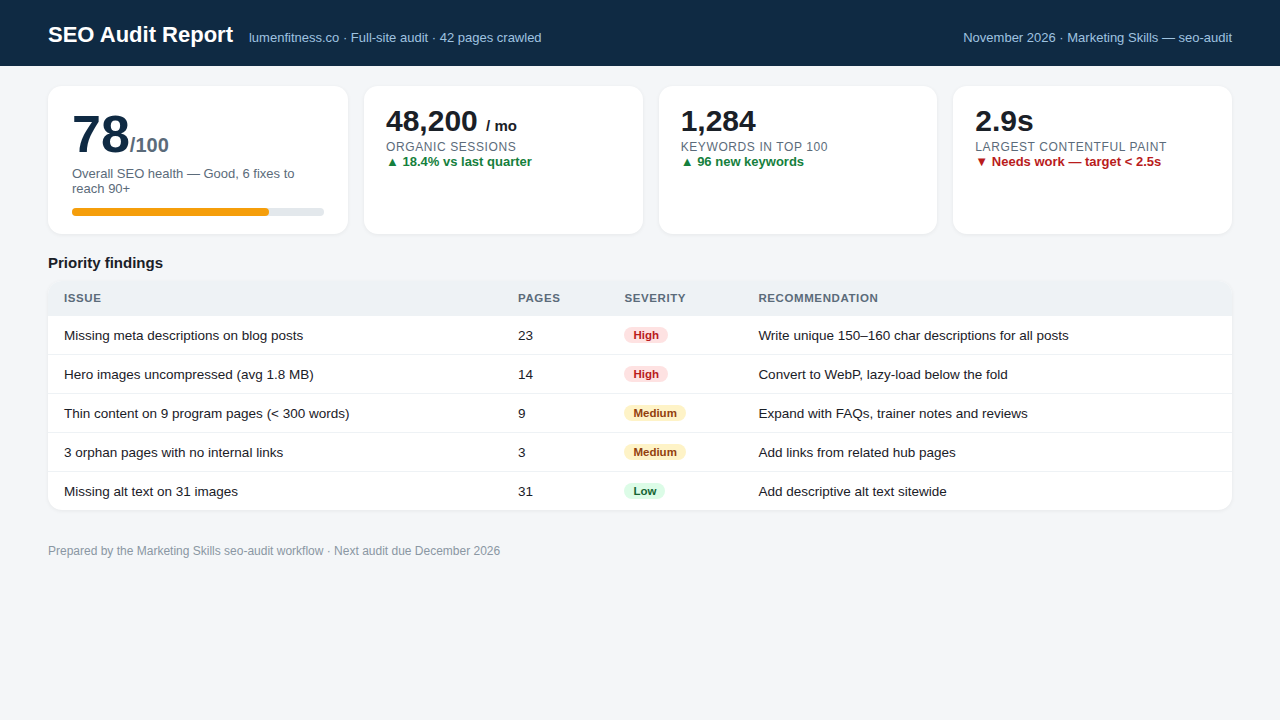
Agent Skills
52 marketing skills in one repo: SEO audits, copywriting, CRO, email, ads, and analytics for your coding agent
Install
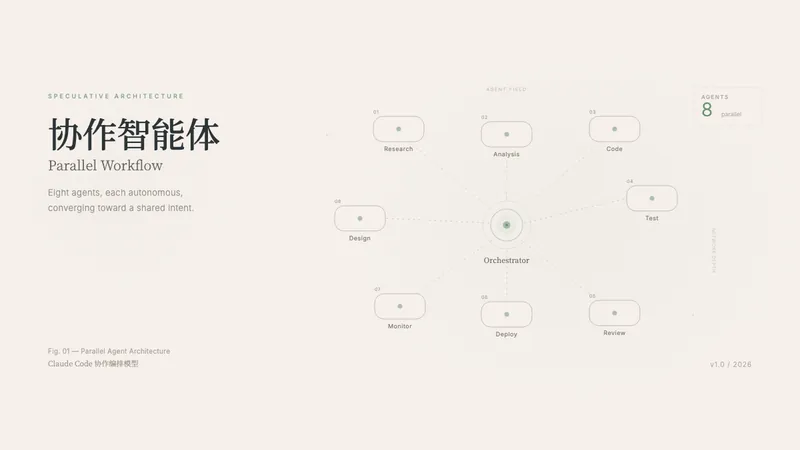
Agent Skills
One sentence in, one deliverable design out: app prototypes, editable PPTX decks, animations, and infographics in HTML
Install

Agent Skills
Anthropic's official Word skill: create polished reports, memos, and contracts as real .docx files
Install
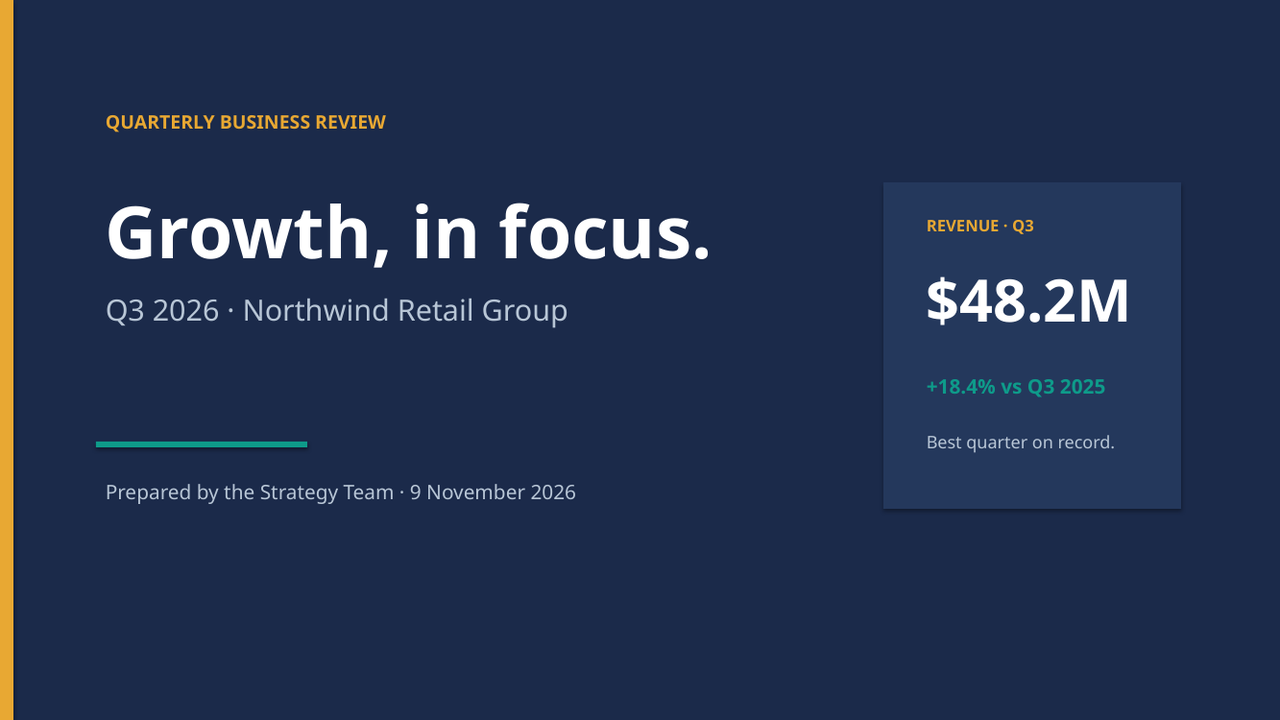
Agent Skills
Anthropic's official PowerPoint skill: build, edit, and read real slide decks that open cleanly in PowerPoint
Install
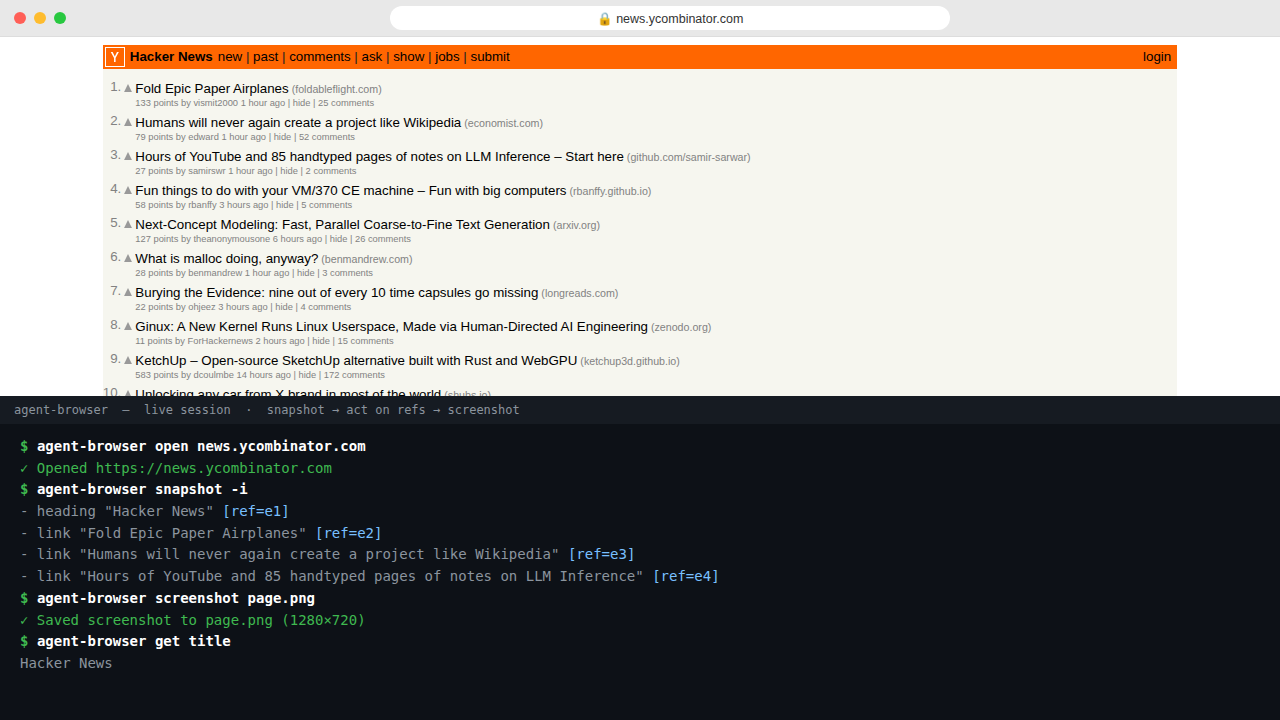
Agent Skills
Vercel's browser automation CLI for AI agents: open pages, click, screenshot, and record what happened
Install

Agent Skills
Anthropic's official design skill: stop shipping generic AI-looking pages and give every interface a distinct identity
Install
Agent Skills
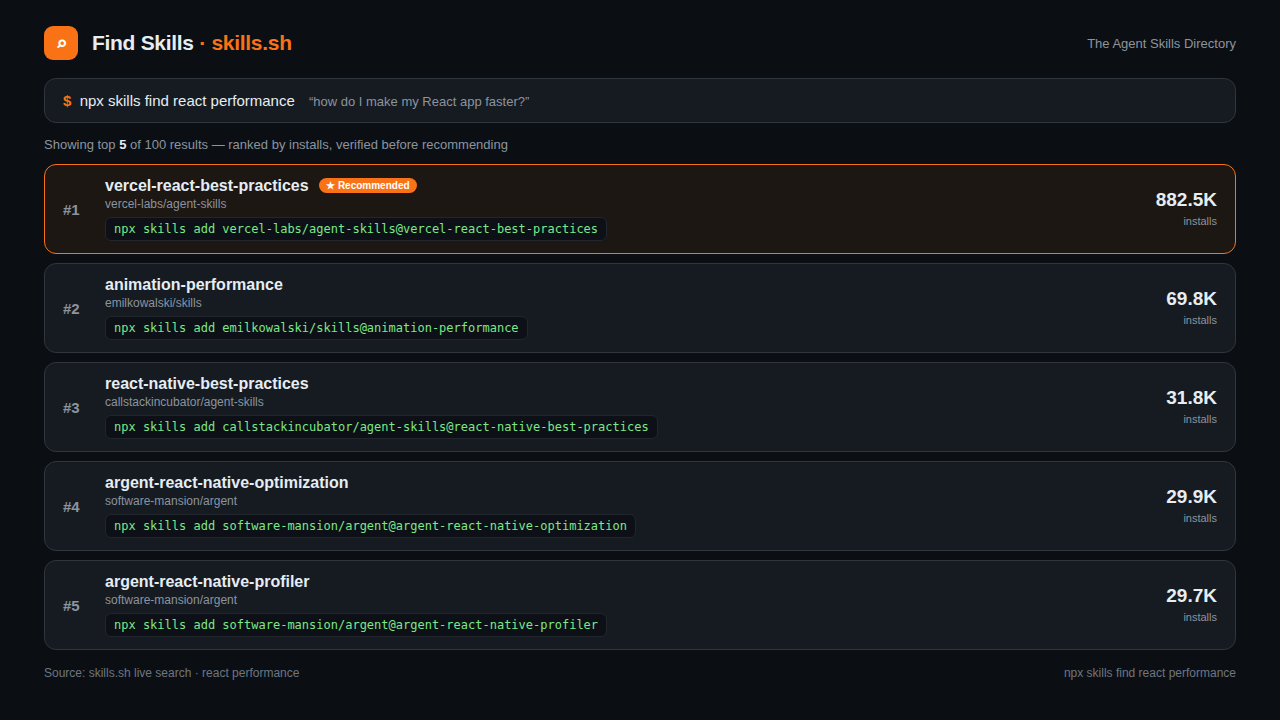
The most-installed skill on skills.sh: ask your agent, it finds and vets the right skill for the job
Install
You've reached the end — 8 shown
An Agent Skill is a packaged workflow for an AI coding agent: instructions, scripts and reference files that teach the agent how to do one job well — turn a prompt into a finished video, a slide deck, a website or a document. Instead of pasting the same long prompt every time, you install the Skill once and invoke it by name.
Every Skill card shows its install command. Click Copy — no need to open the detail page.
Paste the command into your terminal or your agent's chat and press Enter. The Skill is downloaded into your agent's skills folder.
Ask your agent to list its skills, or invoke the Skill by name — for example, ask it to create a short video — and check the output.
An Agent Skill is a folder of instructions, scripts and reference files that teaches an AI coding agent a repeatable workflow — for example, generating a video, building a slide deck or scaffolding a website. Install it once and the agent can run the workflow on demand.
Most Skills here work with Claude Code, Codex, Cursor, Gemini CLI and GitHub Copilot. Each Skill card lists the agents it was tested with — check the "Works with" chips before installing.
Copy the install command from the Skill card, paste it into your terminal or your agent's chat, and follow the prompt. The Skill is added to your agent's skills directory — no manual file editing needed.
Yes — every Skill listed here is free and open source. You only need your own agent subscription or API key for the agent itself; the Skill does not add a separate charge.
Re-run the same install command. It pulls the latest version from the source repository and replaces the old files, keeping your agent up to date.