

MCP Servers
The Blender MCP server: let AI agents model, render and edit 3D scenes inside Blender
stdio · Free and open source (MIT). Runs locally with your own Blender install.
The aifly.tools directory
Browse MCP servers for Claude, Cursor, VS Code and more. Compare install configs, tool lists and quality scores, and install in one copy.
8
MCP servers
8
Verified listings
7
Free to connect
MCP Servers
The Blender MCP server: let AI agents model, render and edit 3D scenes inside Blender
stdio · Free and open source (MIT). Runs locally with your own Blender install.
MCP Servers
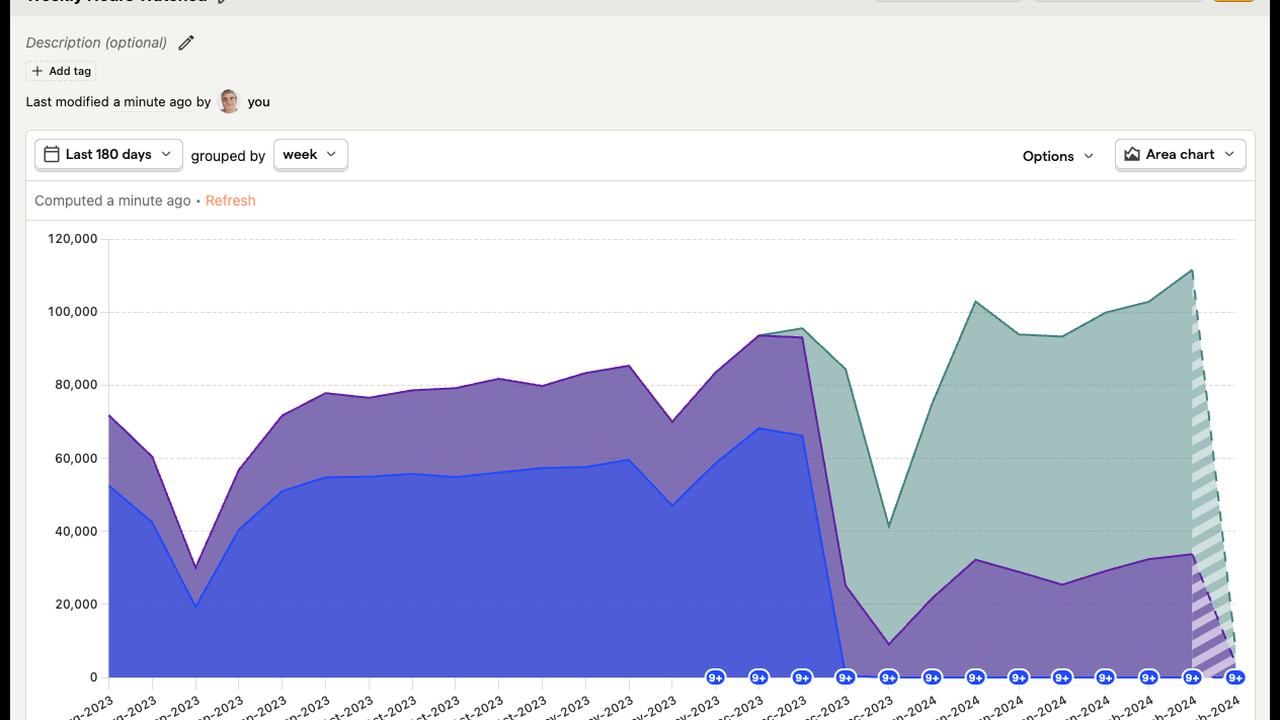
PostHog's official MCP server: product analytics, feature flags and experiments for AI agents
http · Free to connect; requires a PostHog account (free tier available).
MCP Servers
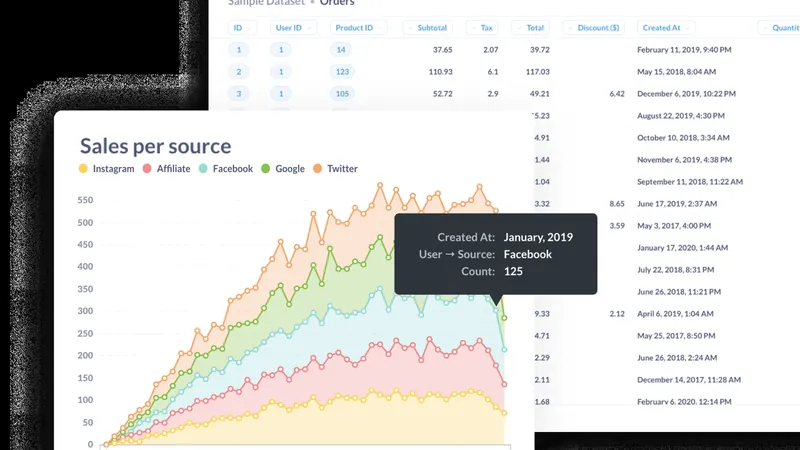
Metabase's official MCP server: let AI agents search, query and visualise your business data
http · Free and open source (AGPL); requires your own Metabase instance (self-hosted free or Metabase Cloud).
MCP Servers
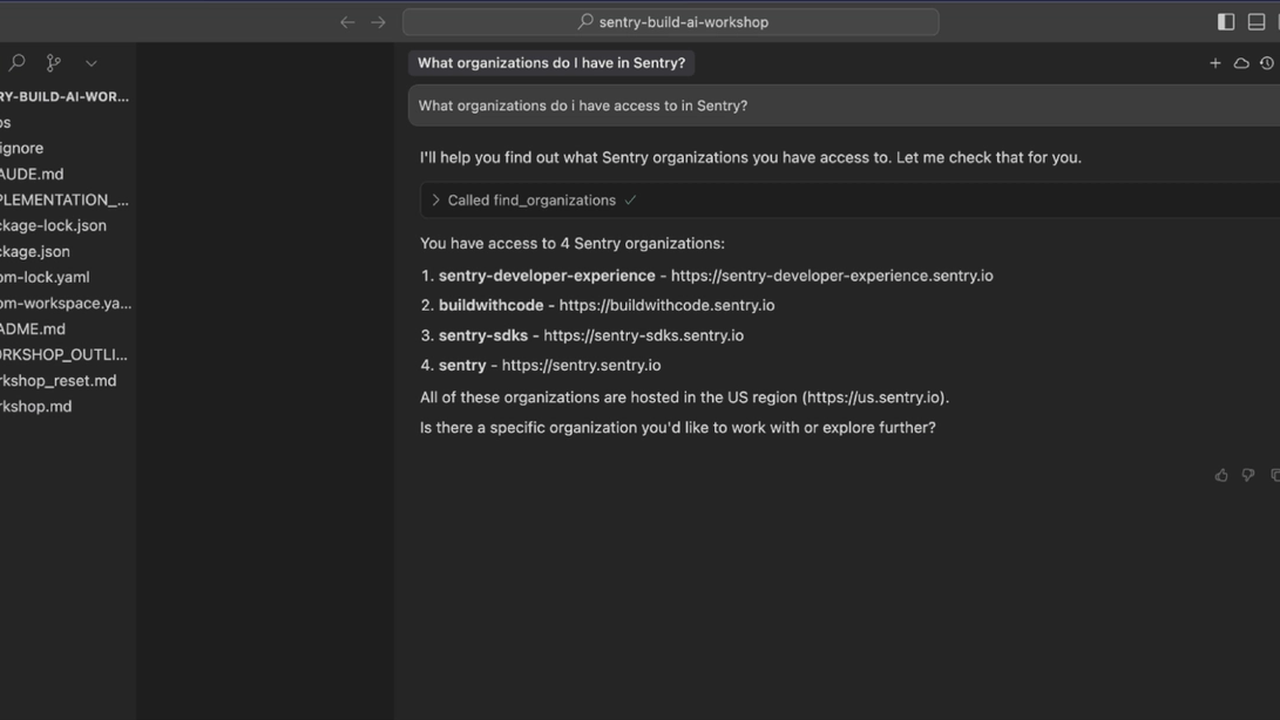
Sentry's official MCP server: let AI agents read real production errors and open the fix
both · Free to connect; requires a Sentry account (free tier available).
MCP Servers
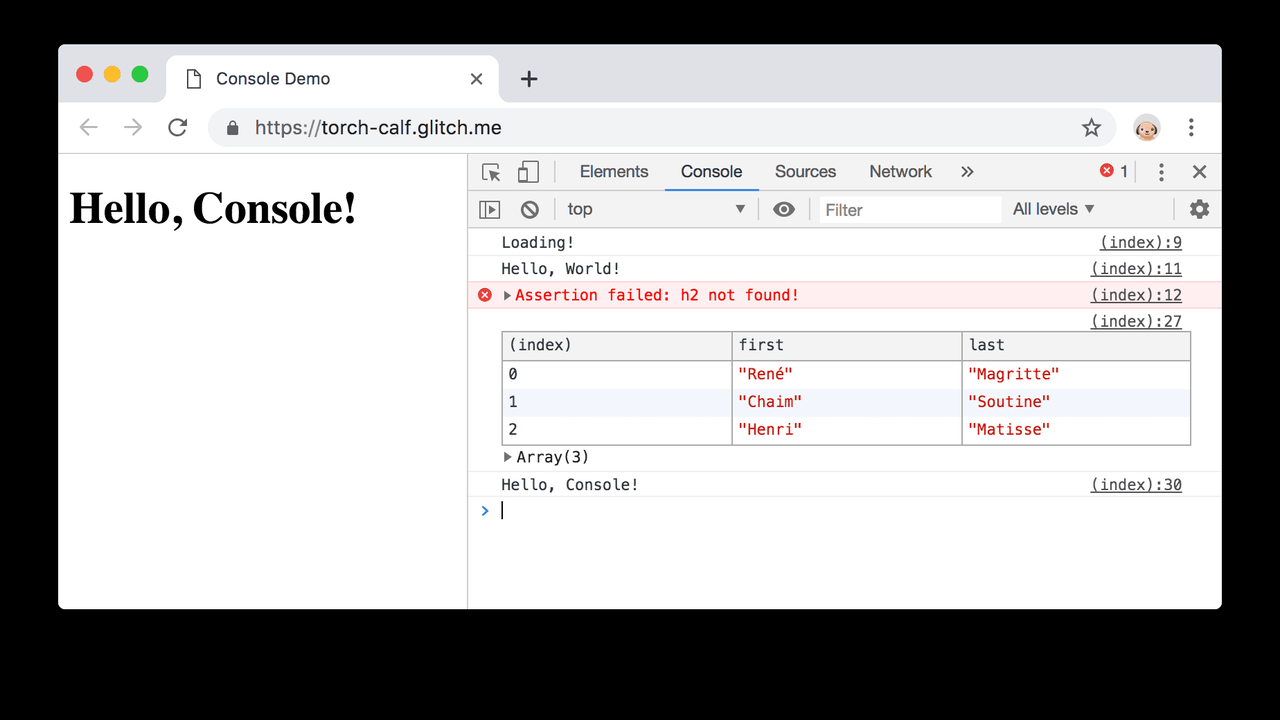
Chrome's official DevTools MCP server: let AI agents drive, inspect and debug a real browser
stdio · Free and open source (Apache 2.0). No account or API key needed.
MCP Servers
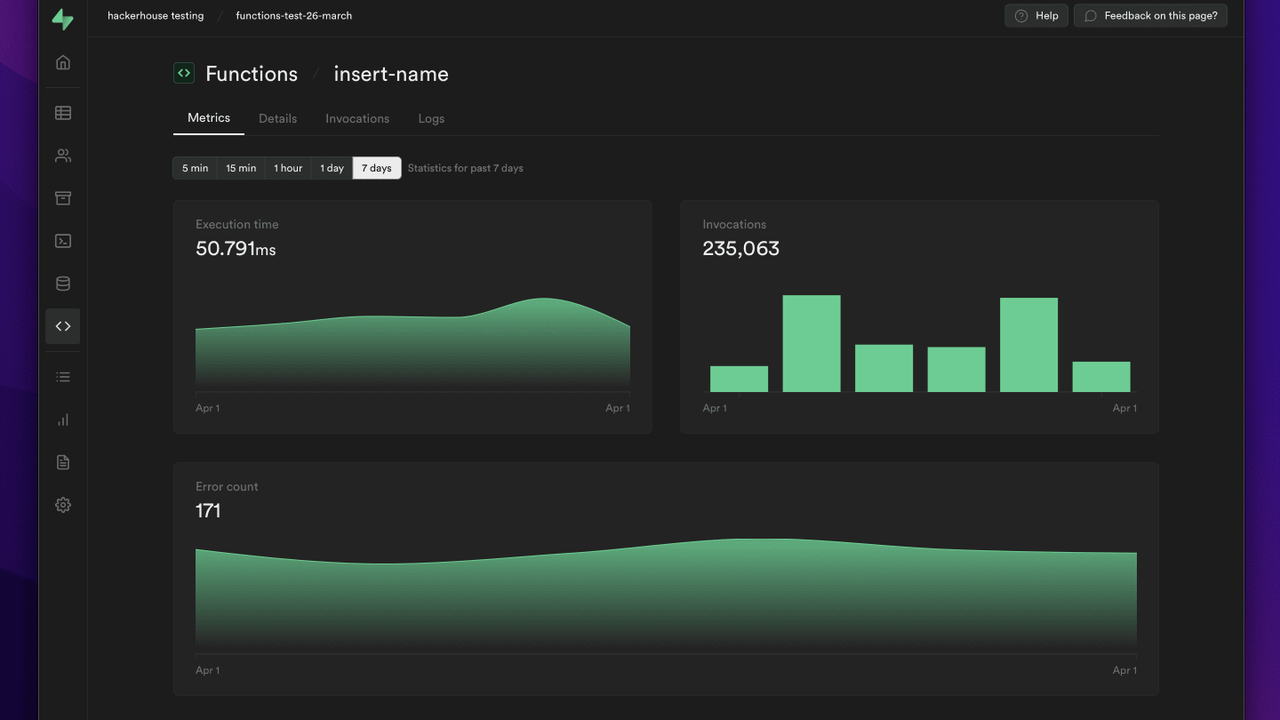
Supabase's official MCP server: databases, auth, storage and edge functions for AI agents
both · Free to connect; uses your own Supabase project (free tier available). Read-only mode is available.
MCP Servers
Figma's official MCP server: let AI agents read designs and turn them into production code
http · Free to connect; requires a Figma account. The remote server authenticates with your Figma login.
MCP Servers
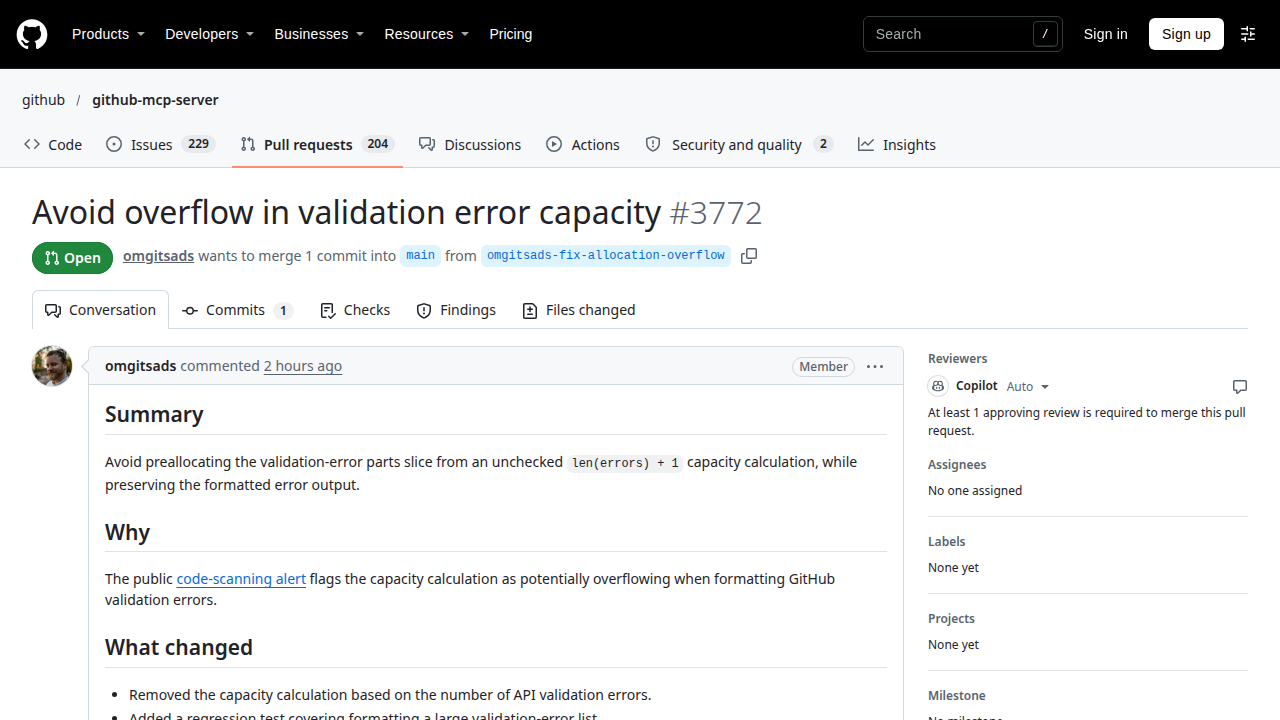
GitHub's official MCP server: let AI agents read repos, manage issues and PRs, and run Actions.
both
You've reached the end — 8 shown
An MCP server is a small program that connects an AI client such as Claude, Cursor or VS Code to the outside world — your files, databases, APIs and tools — through the open Model Context Protocol. Install a server once and any MCP-compatible client can call its tools.
Open the server's detail page and copy the MCP config snippet for your client.
Add the snippet to your client's MCP settings — Claude, Cursor, VS Code or Windsurf — and add any API key it asks for.
Restart the client and ask it to use one of the server's tools. If the tool runs, the server is connected.
An MCP (Model Context Protocol) server gives an AI client — like Claude, Cursor or VS Code — access to external tools and data: files, databases, APIs and more. The client talks to the server over a standard protocol, so one server works across many clients.
Most servers here support Claude, Cursor, VS Code, Windsurf and other MCP-compatible clients. Each server card lists the clients it works with.
Copy the config snippet from the server's detail page and paste it into your client's MCP settings file, then restart the client. Some servers need an API key — the detail page tells you which environment variables to set.
Some do, some don't. Servers that reach a paid service need that service's API key; local servers that only read your files usually need none. Check the install block on each detail page.
If you installed it from npm or a package manager, re-run the install command to get the latest version. If you cloned the repository, pull the latest changes and restart your client.