AI Equalizer
Discover the AI Equalizer, a revolutionary app that uses artificial intelligence to balance and enhance your audio files. With its advanced algorithms and user-friendly interface, you can easily adjust the tone, EQ, and compression to achieve professional-quality sound. Perfect for music producers, podcasters, and audiophiles.
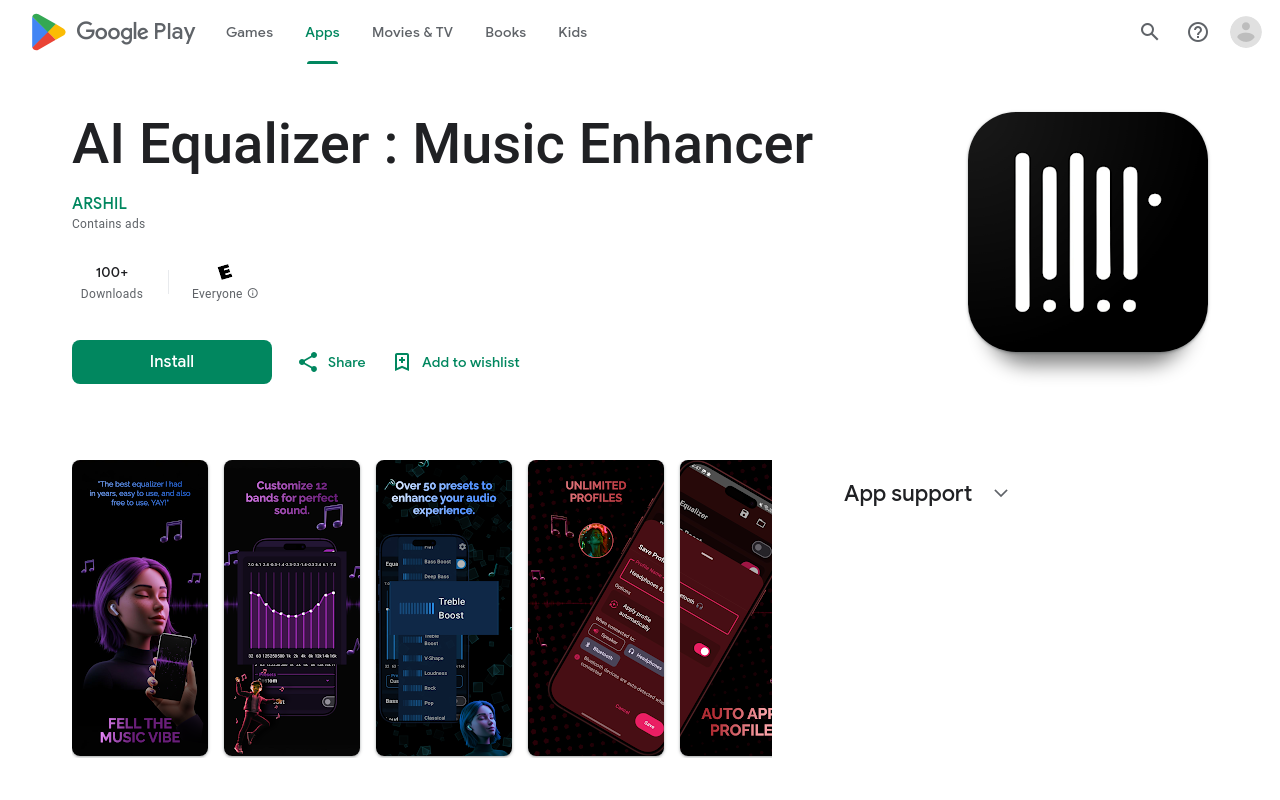
AI Equalizer
Product Overview
AI Equalizer is a cutting-edge audio processing app that utilizes machine learning algorithms to enhance and balance your audio signals. Developed by Arshil Genius, this innovative app is designed to provide a superior listening experience, perfect for music lovers, audiophiles, and professionals alike.
Key Features and Benefits
Advanced Equalization
AI Equalizer's proprietary algorithm analyzes your audio signal and applies precise equalization to optimize sound quality. This results in a more balanced and refined audio experience, with improved clarity and definition.
Customization Options
Tailor your audio experience to your preferences with our intuitive interface. Adjust frequency ranges, gain levels, and other parameters to suit your unique listening style.
Audio Enhancement
Boost or cut specific frequency ranges to accentuate or reduce unwanted sound elements. Perfect for music producers, DJs, and sound engineers.
Real-time Processing
AI Equalizer processes audio in real-time, ensuring a seamless and uninterrupted listening experience.
Use Cases or Applications
Music Enthusiasts
Enhance your music listening experience with AI Equalizer's advanced equalization and audio enhancement features.
Audio Professionals
Perfect for music producers, DJs
FAQ
Frequently asked questions
What is AI Equalizer?
AI Equalizer is a AI tool listed on aifly.tools that adds new capabilities to your AI coding agent. See the description and screenshots above for what it does.
How do I install AI Equalizer?
Click the Visit button below to open the official website and sign up there.
Is AI Equalizer free?
Yes — AI Equalizer is free to install. Some skills may still need an API key for the underlying service they call.
How do I update AI Equalizer?
Open the official website with the Visit button below and check for the latest version there.