App Stacks
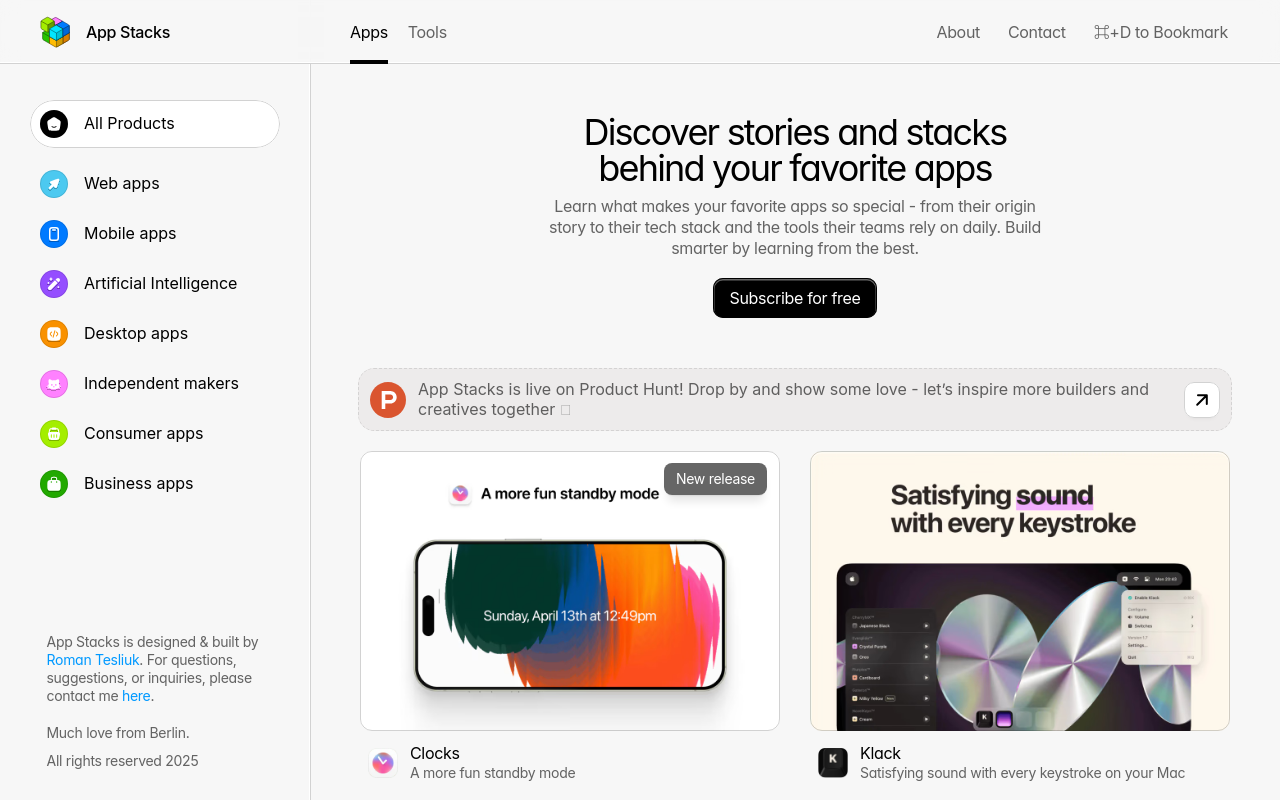
Discover a curated collection of mobile app stacks, featuring the best apps for productivity, entertainment, and more. Easily browse, search, and install your favorite apps with App Stacks. Enhance your mobile experience with a personalized app ecosystem.
App Stacks
Overview
App Stacks is a revolutionary new way to manage and organize your mobile apps. No longer will you be overwhelmed by a sea of icons on your home screen or struggling to find the app you need in a crowded app drawer. With App Stacks, you can group your apps into logical stacks, making it easy to find and access the apps you use most.
Key Features and Benefits
Customizable Stacks
Create stacks based on your interests, activities, or categories to keep your apps organized and easily accessible.
Drag-and-Drop Interface
Easily move apps between stacks and reorder them to suit your workflow.
Stack Icons
Customize the icons for each stack to make them easily recognizable.
Search and Filter
Search for apps within a stack or across all stacks to quickly find what you need.
Notifications
Receive notifications when an app within a stack is updated or has a new message.
Use Cases or Applications
Productivity
Use App Stacks to group your work apps, such as email, calendar, and project management tools, for easy access.
Gaming
Create a gaming stack with your favorite games, and easily switch between
FAQ
Frequently asked questions
What is App Stacks?
App Stacks is a AI tool listed on aifly.tools that adds new capabilities to your AI coding agent. See the description and screenshots above for what it does.
How do I install App Stacks?
Click the Visit button below to open the official website and sign up there.
Is App Stacks free?
Yes — App Stacks is free to install. Some skills may still need an API key for the underlying service they call.
How do I update App Stacks?
Open the official website with the Visit button below and check for the latest version there.