BashBuddy
Discover the ultimate command-line companion, BashBuddy, a powerful tool that streamlines your terminal workflow, saves time, and boosts productivity with its intuitive interface, customizable shortcuts, and seamless integration with your favorite applications.
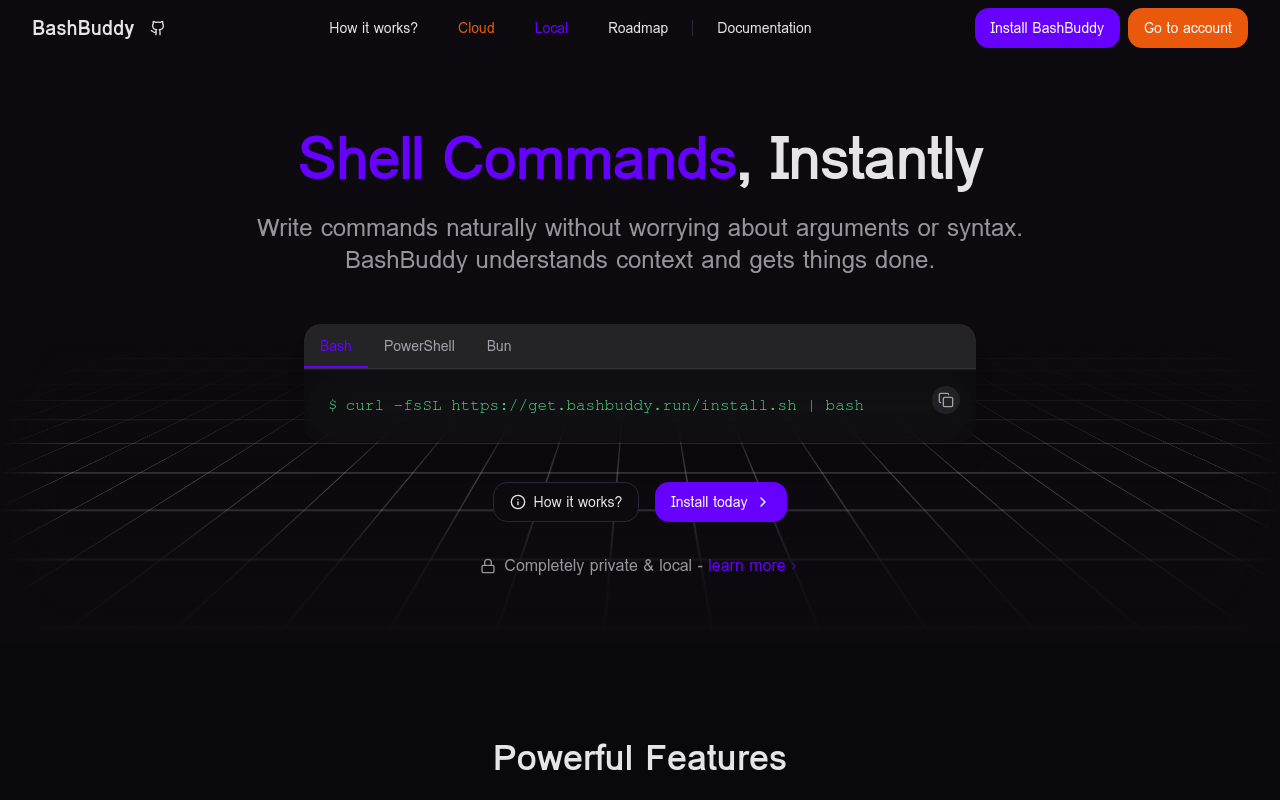
BashBuddy
Overview
BashBuddy is a revolutionary command-line tool designed to revolutionize the way you work with your terminal. By providing an intuitive interface, customizable shortcuts, and seamless integration with your favorite applications, BashBuddy streamlines your workflow, saves time, and boosts productivity.
Key Features
Intuitive Interface
BashBuddy's user-friendly interface makes it easy to navigate and manage your terminal commands. With a simple and clean design, you can quickly access your favorite commands, create custom shortcuts, and toggle between multiple terminals.
Customizable Shortcuts
Create custom shortcuts to your most frequently used commands, reducing the time spent typing and increasing your overall productivity. With BashBuddy, you can customize your workflow to fit your unique needs.
Seamless Integration
BashBuddy seamlessly integrates with your favorite applications, allowing you to access and manage your projects, files, and tasks with ease. Whether you're a developer, sysadmin, or
FAQ
Frequently asked questions
What is BashBuddy?
BashBuddy is a AI tool listed on aifly.tools that adds new capabilities to your AI coding agent. See the description and screenshots above for what it does.
How do I install BashBuddy?
Click the Visit button below to open the official website and sign up there.
Is BashBuddy free?
Yes — BashBuddy is free to install. Some skills may still need an API key for the underlying service they call.
How do I update BashBuddy?
Open the official website with the Visit button below and check for the latest version there.