
Box
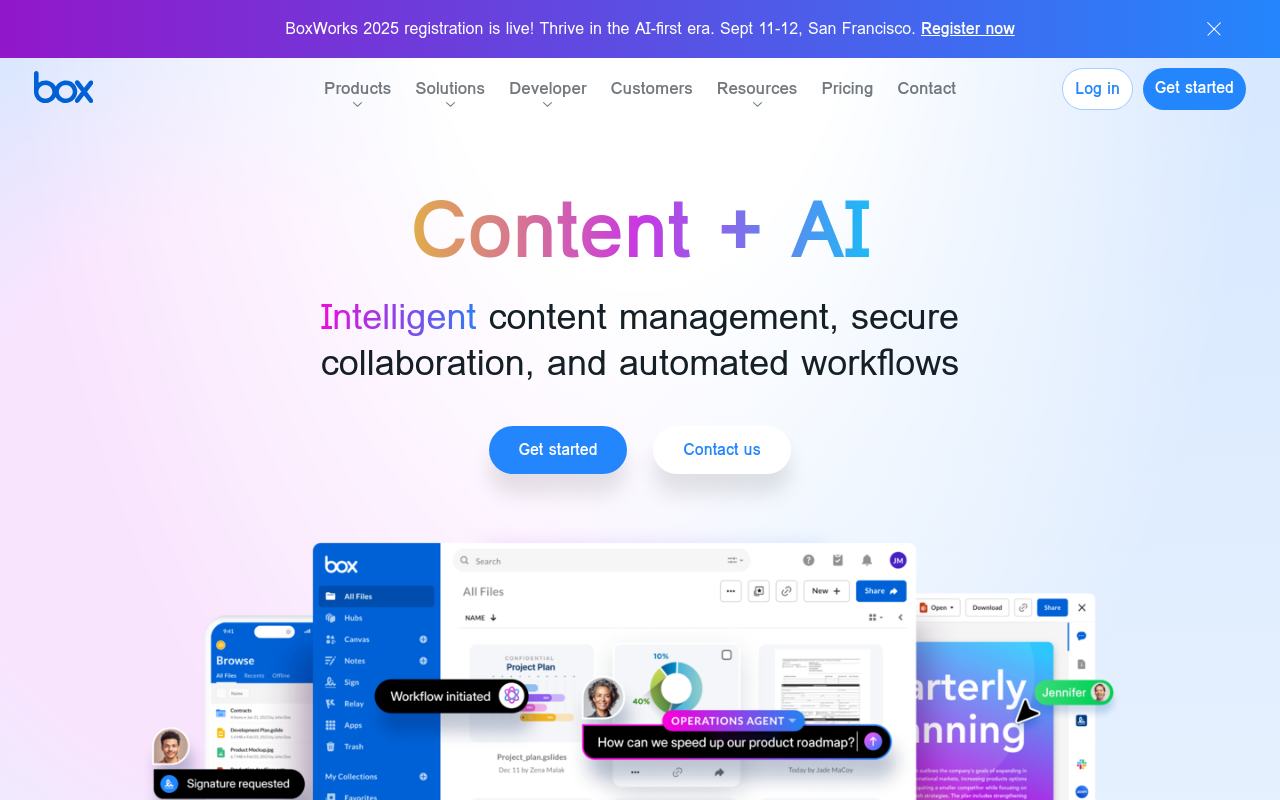
Box is a cloud-based content collaboration platform that enables teams to securely store, share, and collaborate on files and projects in one place. With Box, users can access their content from anywhere, on any device, and collaborate with others in real-time. Box also provides robust security and compliance features to ensure data protection.
Box
Overview
Box is a cloud-based content management platform that provides a secure and collaborative environment for businesses to store, share, and manage their digital content. With Box, teams can easily access, edit, and share files from anywhere, on any device, and from any location.
Key Features and Benefits
Security
- Enterprise-grade security and compliance features to protect sensitive data
- 256-bit SSL encryption and two-factor authentication for added security
- Compliant with major regulatory standards, including GDPR, HIPAA, and SOC 2
Collaboration
- Real-time collaboration and commenting on files and folders
- Advanced permissions and access controls to ensure only authorized users can access files
- Integrations with popular productivity apps, such as Microsoft Office and Google G Suite
Content Management
- Centralized content repository for easy file organization and search
- Version control and history to track changes and revisions
- Support for a wide range of file types, including documents, images, and videos
Mobile Access
- Native mobile apps for iOS and Android devices
- Access to files and folders from anywhere, on any device
- Offline access to files for continued productivity on-the-go
FAQ
Frequently asked questions
What is Box?
Box is a AI tool listed on aifly.tools that adds new capabilities to your AI coding agent. See the description and screenshots above for what it does.
How do I install Box?
Click the Visit button below to open the official website and sign up there.
Is Box free?
Yes — Box is free to install. Some skills may still need an API key for the underlying service they call.
How do I update Box?
Open the official website with the Visit button below and check for the latest version there.
.png)




