Buglab AI
Buglab is a no-code visual testing platform that spots UI bugs by comparing website screenshots before and after changes, with scheduled tests and alerts.
About the product
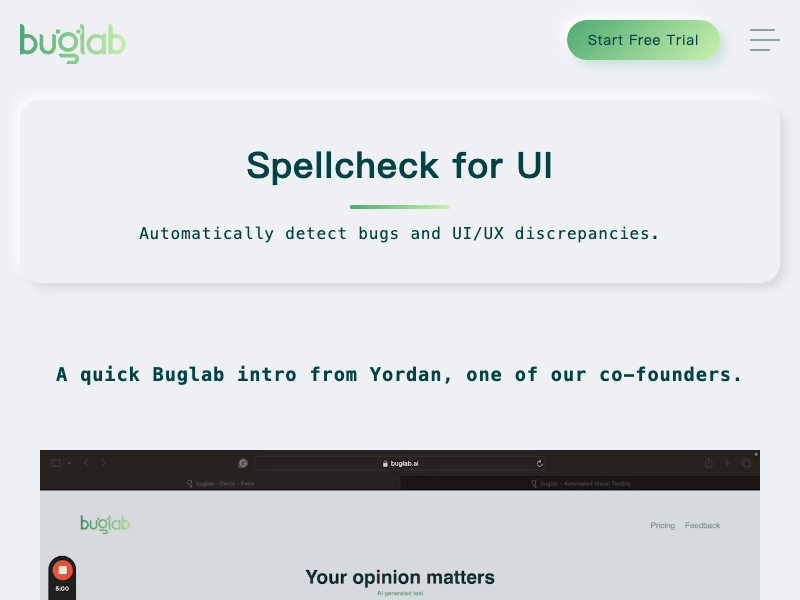
Buglab is a no-code automated visual testing platform, described as spellcheck for UI. It finds UI and UX bugs by comparing screenshots of your website before and after a change and highlighting the differences, so broken layouts and visual regressions are caught before they reach customers. You build tests by simulating user actions with a few clicks, such as opening a page, taking a screenshot, hovering, typing or clicking a button, without writing any test scripts. Tests can be grouped into suites and projects and run on a schedule, with notifications when a discrepancy is found between the baseline and the latest test. The first 250 page tests are free.
Buglab pros
- No-code test building, with no test scripts to write
- Visual comparison catches UI regressions before users do
- Scheduled tests with notifications when differences appear
- First 250 page tests are free
Buglab cons
- Focused on visual and UI testing rather than functional or API testing
- Pricing beyond the free tests is not shown on the homepage
FAQ
Frequently asked questions
What is Buglab AI?
Buglab AI is a AI tool listed on aifly.tools that adds new capabilities to your AI coding agent. See the description and screenshots above for what it does.
How do I install Buglab AI?
Click the Visit button below to open the official website and sign up there.
Is Buglab AI free?
Yes — Buglab AI is free to install. Some skills may still need an API key for the underlying service they call.
How do I update Buglab AI?
Open the official website with the Visit button below and check for the latest version there.