Buglet
Buglet is a revolutionary debugging tool that helps developers identify and fix bugs in their code with ease. With its intuitive interface and advanced features, Buglet streamlines the debugging process, saving developers time and increasing productivity.
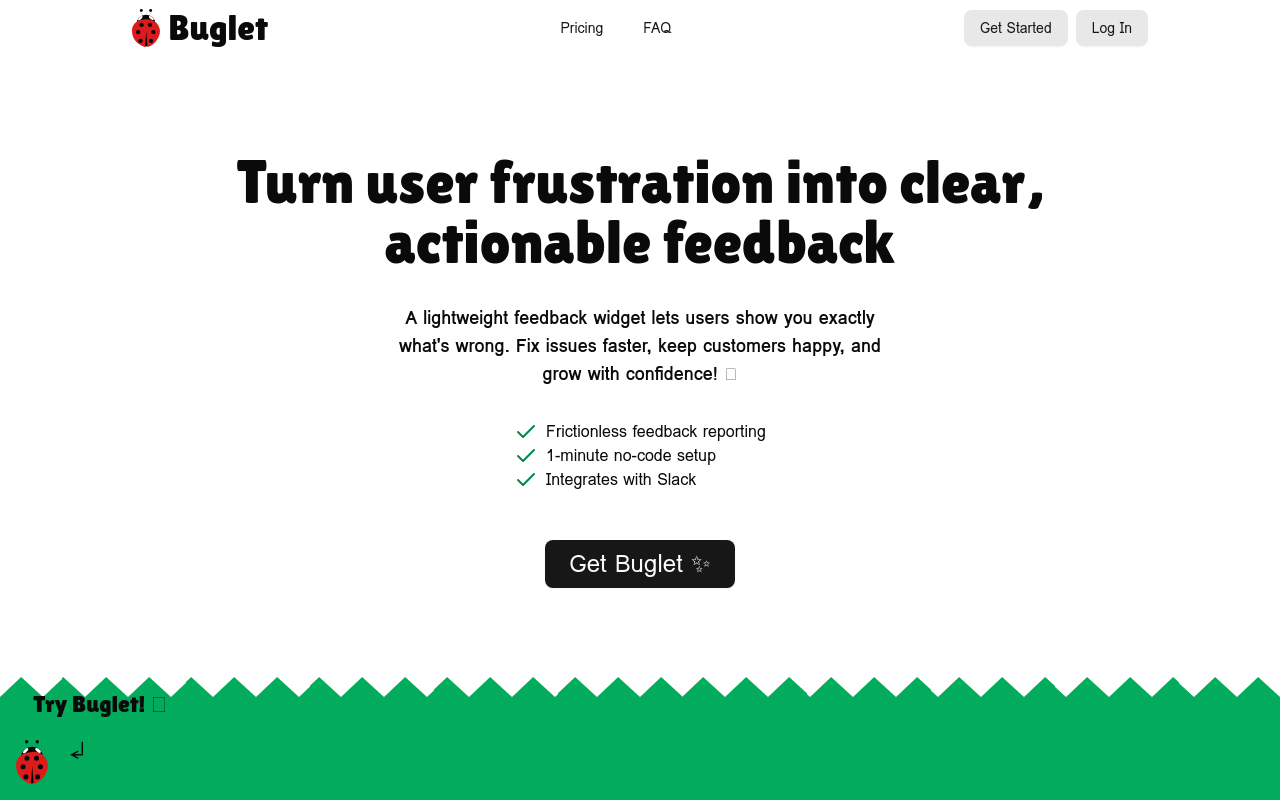
Buglet
Product Overview
Buglet is a revolutionary tool that helps developers and quality assurance teams identify and fix bugs in their code more efficiently. It's an AI-powered bug detection and debugging platform that uses machine learning algorithms to analyze code and detect potential issues before they become major problems.
Key Features and Benefits
AI-Powered Bug Detection
- Buglet uses machine learning algorithms to analyze code and detect potential bugs, reducing the time and effort spent on manual testing.
- The platform learns from your codebase and adapts to your specific development environment, making it more accurate over time.
Real-Time Debugging
- Buglet provides real-time feedback on potential bugs, allowing developers to fix issues as they arise, reducing the risk of errors and improving overall code quality.
- The platform integrates with your development workflow, providing context-specific information and suggestions for fixing bugs.
Code Insights and Analytics
- Buglet provides detailed insights and analytics on code quality, helping developers identify areas for improvement and optimize their development process.
- The platform offers customizable dashboards and reports, allowing teams to track progress and make data-driven decisions.
Collaboration and Integration
- Buglet integrates with popular development tools and platforms,
FAQ
Frequently asked questions
What is Buglet?
Buglet is a AI tool listed on aifly.tools that adds new capabilities to your AI coding agent. See the description and screenshots above for what it does.
How do I install Buglet?
Click the Visit button below to open the official website and sign up there.
Is Buglet free?
Yes — Buglet is free to install. Some skills may still need an API key for the underlying service they call.
How do I update Buglet?
Open the official website with the Visit button below and check for the latest version there.