
Copy as Markdown
Convert text to Markdown with ease, preserving formatting and style. Copy as Markdown is a simple tool that helps you convert plain text to Markdown, making it perfect for blogging, writing, and sharing content online.
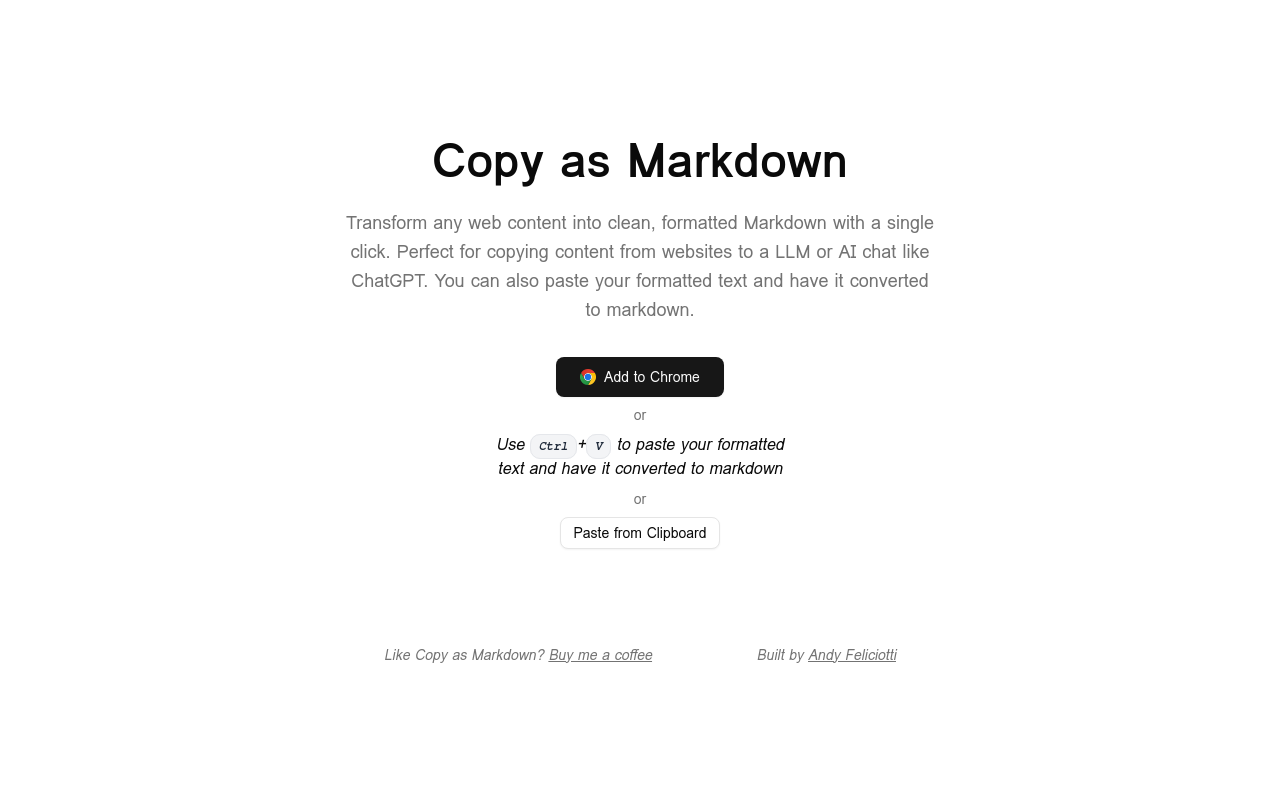
Copy as Markdown
Overview
Copy as Markdown is a game-changing tool that allows you to copy text as Markdown code, eliminating the tedious process of formatting text manually. With this innovative solution, you can focus on writing and sharing your ideas without worrying about the formatting.
Key Features and Benefits
Copy as Markdown
Key Features
Benefits
Automatic Markdown Conversion
Copy as Markdown converts your text into Markdown code in real-time, making it easy to share formatted text across different platforms.
One-Click Copying
Copy as Markdown allows you to copy your text as Markdown code with just one click, saving you time and effort.
Cross-Platform Compatibility
Copy as Markdown is compatible with all platforms, including Windows, macOS, and Linux, ensuring seamless integration with your workflow.
Use Cases and Applications
Blogging
Use Copy as Markdown to format your blog posts with ease, and share them on platforms like Medium, WordPress, and Blogger.
Documentation
Copy as Markdown simplifies the process of creating documentation, making it easy to format text for your team or clients.
Social Media
Use Copy as Markdown to format your social media posts, tweets, and Instagram captions with ease, and
FAQ
Frequently asked questions
What is Copy as Markdown?
Copy as Markdown is a AI tool listed on aifly.tools that adds new capabilities to your AI coding agent. See the description and screenshots above for what it does.
How do I install Copy as Markdown?
Click the Visit button below to open the official website and sign up there.
Is Copy as Markdown free?
Yes — Copy as Markdown is free to install. Some skills may still need an API key for the underlying service they call.
How do I update Copy as Markdown?
Open the official website with the Visit button below and check for the latest version there.
.png)




