Extract
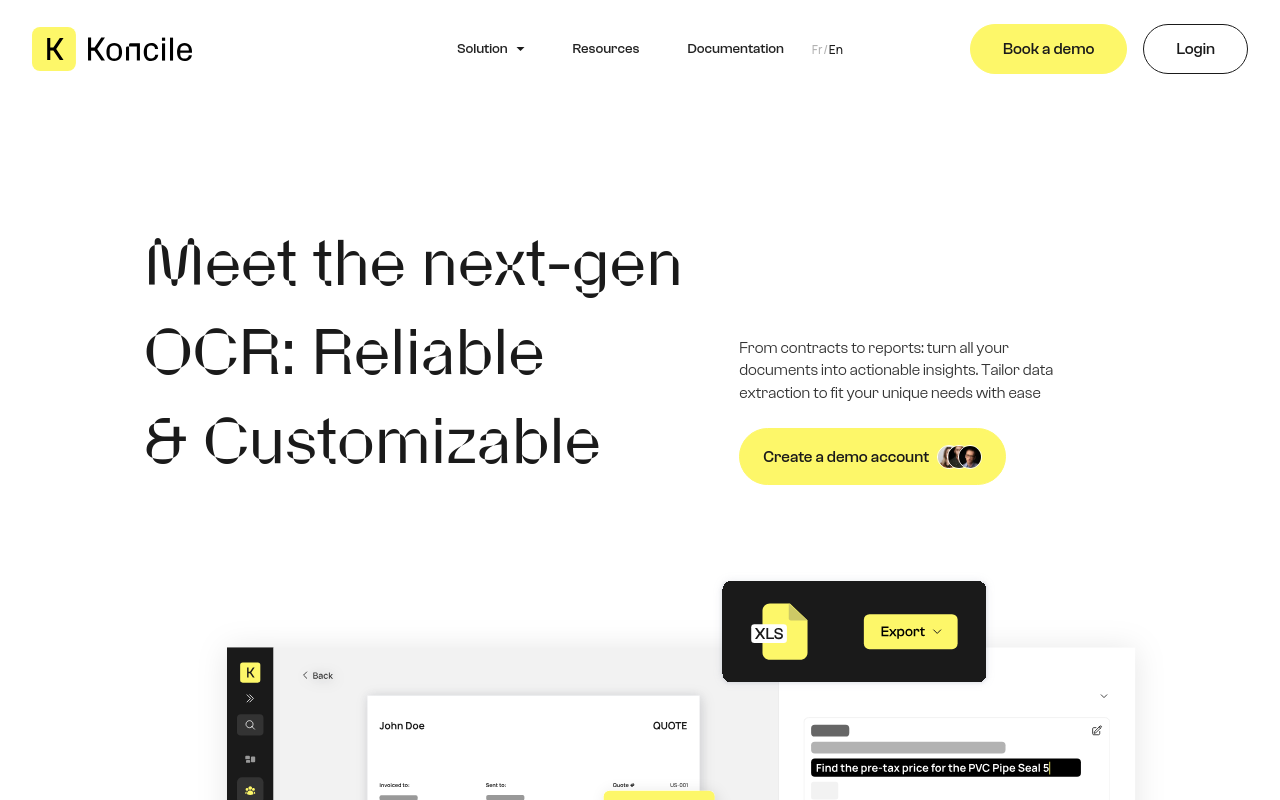
Extract is a data extraction tool that pulls structured data in formats like CSV and JSON, with configurable extractions and real-time insights.
Miscellaneous AI ToolslegalFree
mation
- Providing contextual understanding of the extracted data, enabling better decision-making
Customizable Extraction
- Configurable extractions based on specific requirements and formats
- Supports a wide range of data formats, including CSV, JSON, and more
Real-time Insights
- Immediate access to extracted data for real-time analysis and reporting
- Enabling organizations to respond quickly to changing market conditions and customer needs
Use Cases and Applications
Customer Service
- Quickly extract relevant customer information and concerns from chat logs and emails
- Improve response times and provide personalized support
Market Research
- Automate data collection and processing from social media, news articles, and forums
- Identify trends, sentiment, and insights to inform business decisions
Compliance and Risk
- Extract sensitive information, such as financial data and personal identifiable information (PII)
- Identify potential risks and compliance issues, enabling proactive measures
Content Analysis
- Extract relevant information from documents, articles, and other written content
- Identify key themes, sentiments, and entities to inform editorial and content strategies
Unique Selling Points
Scalability
- Handle large volumes of unstructured data with ease, making it an ideal solution for organizations with extensive data sets
Customization
- Configure extractions to fit specific business needs and formats, ensuring seamless integration with existing workflows
Accuracy
- Powered by advanced AI and ML algorithms, Extract provides high-accuracy extractions, reducing manual processing time and errors
Try Extract today and unlock valuable insights from your unstructured data! [Visit the Koncile AI website](https://www.koncile.ai/en/extract?utm_source=future
FAQ
Frequently asked questions
What is Extract?
Extract is a AI tool listed on aifly.tools that adds new capabilities to your AI coding agent. See the description and screenshots above for what it does.
How do I install Extract?
Click the Visit button below to open the official website and sign up there.
Is Extract free?
Yes — Extract is free to install. Some skills may still need an API key for the underlying service they call.
How do I update Extract?
Open the official website with the Visit button below and check for the latest version there.