
Framer Workshop
Revolutionize your design workflow with Framer Workshop, a collaborative design platform that combines vector graphics, animation, and prototyping in one seamless experience.
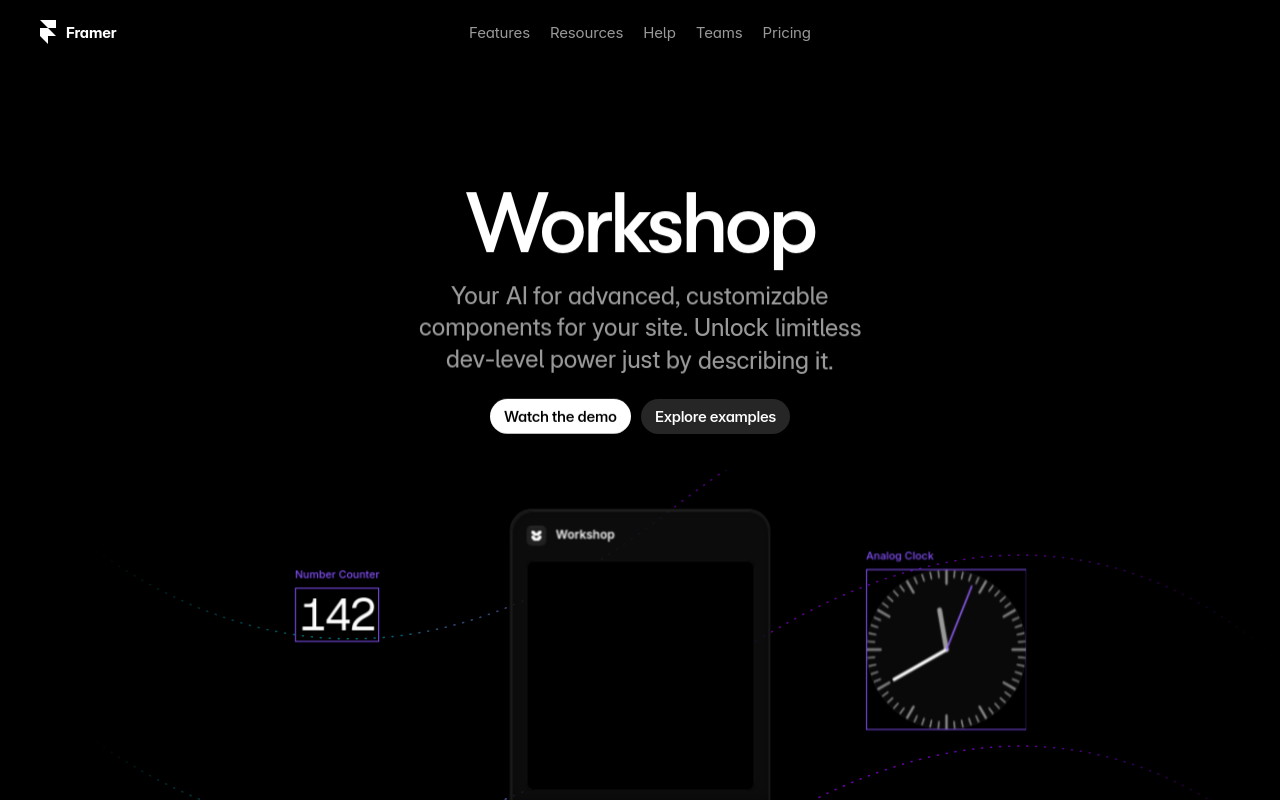
Framer Workshop
Overview
Framer Workshop is a revolutionary design tool that empowers users to create stunning interactive designs, prototypes, and animations. With its intuitive interface and powerful features, Framer Workshop allows designers to bring their ideas to life, collaborate with others, and deliver high-quality results in no time.
Key Features and Benefits
Design with Ease
- Drag-and-Drop Interface: Easily create and arrange design elements, such as shapes, text, and images, using a user-friendly drag-and-drop interface.
- Advanced Design Tools: Access a range of advanced design tools, including vector shapes, gradients, and animations, to create complex designs with ease.
Collaboration Made Easy
- Real-time Collaboration: Invite team members to collaborate on your design in real-time, with the ability to comment, assign tasks, and track progress.
- Version Control: Keep track of design changes and iterations with automatic version control, ensuring that your design history is always up-to-date.
Powerful Prototyping
- Interactive Prototypes: Create interactive prototypes that can be tested and shared with others, allowing you to gather feedback and iterate on your design.
- Animation and Transitions: Add
FAQ
Frequently asked questions
What is Framer Workshop?
Framer Workshop is a AI tool listed on aifly.tools that adds new capabilities to your AI coding agent. See the description and screenshots above for what it does.
How do I install Framer Workshop?
Click the Visit button below to open the official website and sign up there.
Is Framer Workshop free?
Yes — Framer Workshop is free to install. Some skills may still need an API key for the underlying service they call.
How do I update Framer Workshop?
Open the official website with the Visit button below and check for the latest version there.
.png)




