
Jots
Jots is a note-taking app that helps you organize and prioritize your thoughts, with features like customizable templates, due dates, and collaboration capabilities.
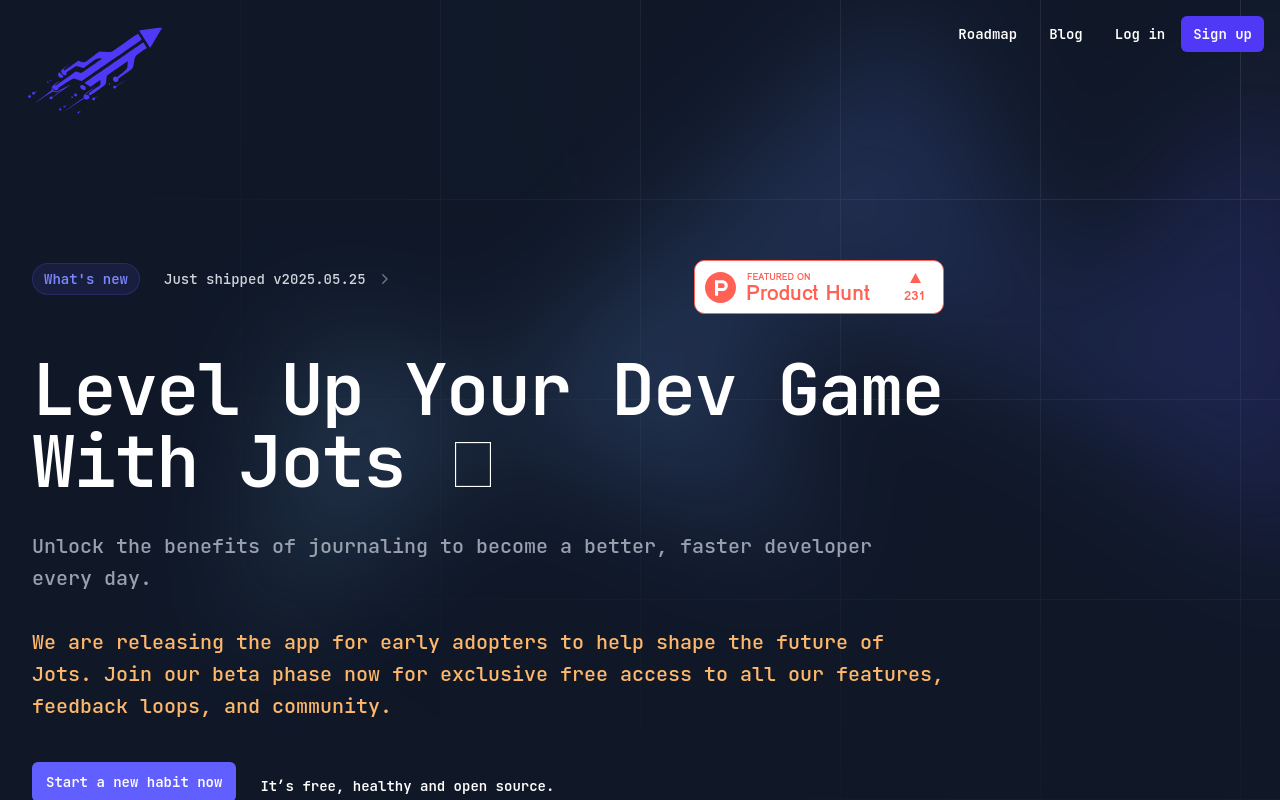
Jots: A Note-Taking App for the Modern Era
Overview
Jots is a revolutionary note-taking app designed to help you stay organized, focused, and creative. With its intuitive interface and powerful features, Jots is the perfect tool for anyone looking to streamline their workflow, brainstorm ideas, and stay on top of tasks.
Key Features and Benefits
Note-taking Made Easy
- Write, draw, or type notes with ease using Jots' customizable interface
- Organize notes into folders, tags, and labels for easy access
- Search and filter notes with precision using Jots' advanced search functionality
Collaboration and Sharing
- Invite others to edit or view notes in real-time
- Share notes via link or email
- Access notes across multiple devices and platforms
Task Management
- Create and assign tasks directly from notes
- Set reminders and due dates for tasks
- Track progress and stay on top of tasks with Jots' built-in task manager
Brainstorming and Organization
- Use Jots' mind mapping feature to visually organize ideas
- Create to-do lists and prioritize tasks
- Use Jots' calendar integration to schedule events and appointments
FAQ
Frequently asked questions
What is Jots?
Jots is a AI tool listed on aifly.tools that adds new capabilities to your AI coding agent. See the description and screenshots above for what it does.
How do I install Jots?
Click the Visit button below to open the official website and sign up there.
Is Jots free?
Yes — Jots is free to install. Some skills may still need an API key for the underlying service they call.
How do I update Jots?
Open the official website with the Visit button below and check for the latest version there.
.png)




