KeyClicker
KeyClicker is a revolutionary keyboard shortcut management tool that helps you streamline your workflow, boost productivity, and eliminate distractions. With its intuitive interface and customizable shortcuts, you can focus on what matters most.
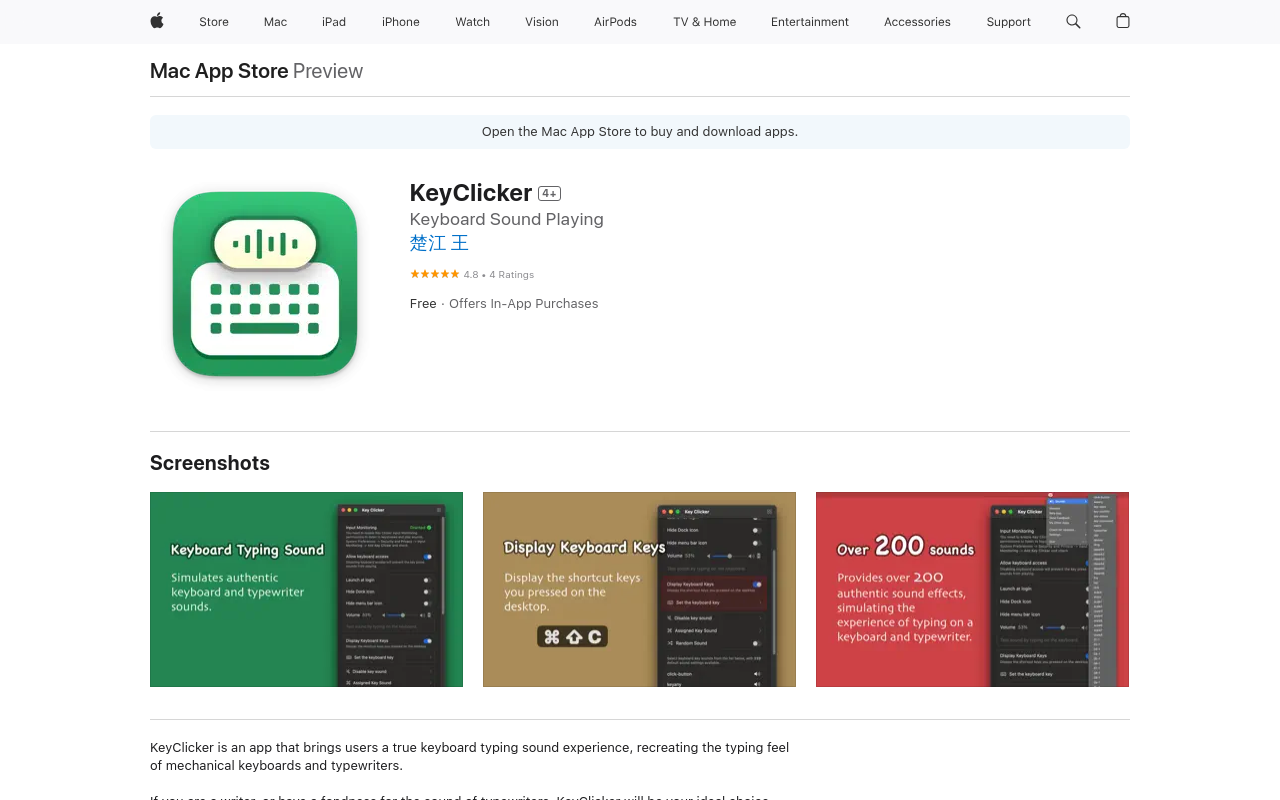
KeyClicker
KeyClicker is a game-changing keyboard shortcut management tool designed to revolutionize the way you work. With its intuitive interface and customizable shortcuts, you can streamline your workflow, boost productivity, and eliminate distractions.
Key Features
Customizable Shortcuts
Create custom keyboard shortcuts to perform repetitive tasks, and save time and effort.
Intelligent Hotkeys
Automatically detect and suggest relevant shortcuts based on your workflow and preferences.
Advanced Filtering
Filter and organize your shortcuts based on categories, tags, and priorities for easy access.
Collaborative Management
Share and manage shortcuts with your team or colleagues for seamless collaboration.
Customizable Interface
Personalize your KeyClicker experience with custom themes, layouts, and fonts.
Benefits
Boost Productivity
Eliminate tedious tasks and focus on high-priority work with KeyClicker's customizable shortcuts.
Simplify Workflow
Streamline your workflow and reduce errors with KeyClicker's intelligent hotkeys and advanced filtering
FAQ
Frequently asked questions
What is KeyClicker?
KeyClicker is a AI tool listed on aifly.tools that adds new capabilities to your AI coding agent. See the description and screenshots above for what it does.
How do I install KeyClicker?
Click the Visit button below to open the official website and sign up there.
Is KeyClicker free?
Yes — KeyClicker is free to install. Some skills may still need an API key for the underlying service they call.
How do I update KeyClicker?
Open the official website with the Visit button below and check for the latest version there.