Macro PDF
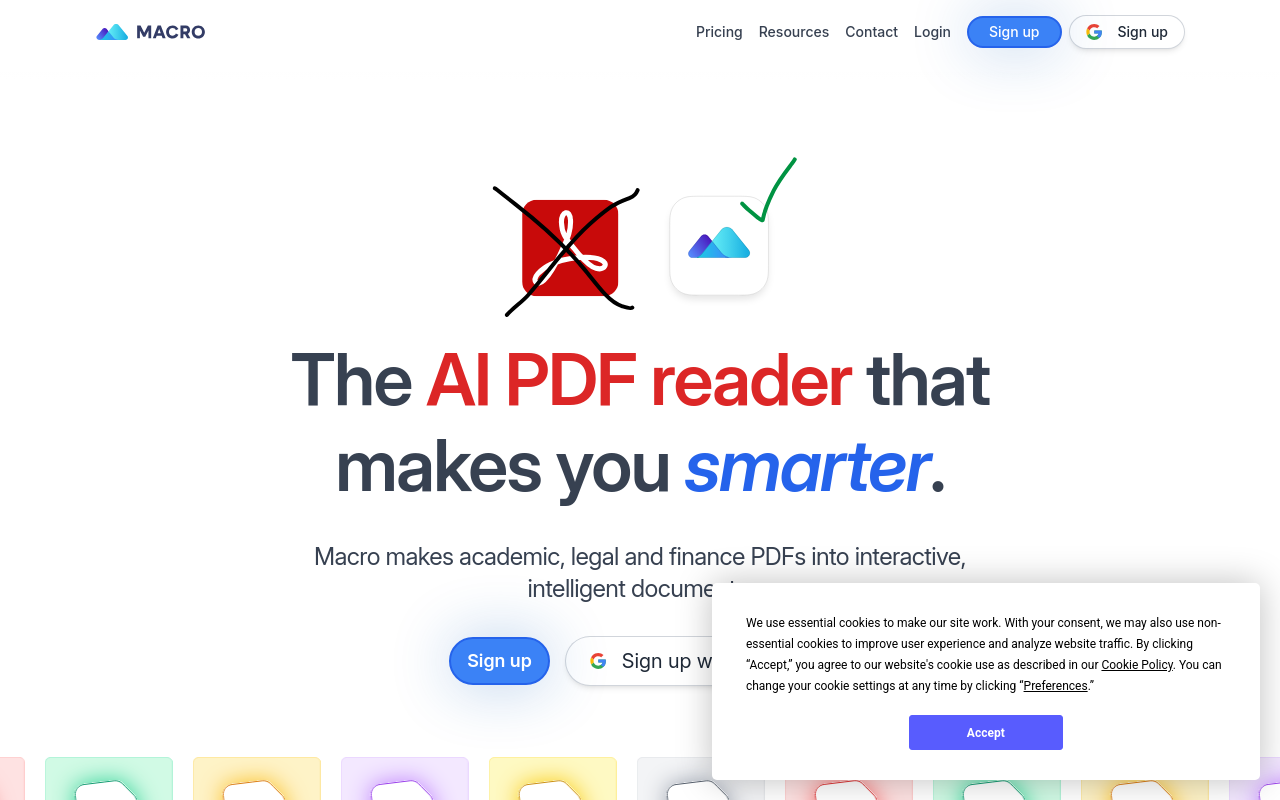
Macro PDF is a powerful tool that helps you extract specific data from PDFs, saving you time and effort. With its advanced features, you can easily extract text, images, and tables from PDFs, making it an essential tool for anyone working with PDFs.
Macro PDF: Revolutionizing PDF Management
Overview
Macro PDF is a powerful and intuitive PDF management solution designed to streamline your workflow and enhance productivity. With its robust features and user-friendly interface, Macro PDF enables you to efficiently create, edit, and manage PDF files with ease.
Key Features and Benefits
Robust PDF Editor
- Edit PDFs like you would edit a Word document, with real-time text editing and formatting options.
- Insert, delete, and reorder pages with ease.
Batch Processing
- Process multiple PDF files at once, saving you time and effort.
- Perform tasks such as merging, splitting, and converting PDFs in bulk.
PDF Converter
- Convert PDFs to and from other file formats, including Word, Excel, PowerPoint, and more.
- Ensure compatibility with various software applications and platforms.
Document Assembly
- Assemble multiple PDF files into a single, cohesive document.
- Easily organize and rearrange pages as needed.
Security and Protection
- Add passwords, permissions, and digital signatures to secure your PDFs.
- Ensure sensitive information remains confidential.
Collaboration and Sharing
- Share PDFs with others, while controlling access and permissions.
FAQ
Frequently asked questions
What is Macro PDF?
Macro PDF is a AI tool listed on aifly.tools that adds new capabilities to your AI coding agent. See the description and screenshots above for what it does.
How do I install Macro PDF?
Click the Visit button below to open the official website and sign up there.
Is Macro PDF free?
Yes — Macro PDF is free to install. Some skills may still need an API key for the underlying service they call.
How do I update Macro PDF?
Open the official website with the Visit button below and check for the latest version there.