Mailgo
Mailgo is an AI-powered email writing assistant that helps you craft professional and personalized emails with ease. With its advanced language processing capabilities, Mailgo can detect and suggest improvements to your writing style, tone, and grammar. By using Mailgo, you can save time and boost your email productivity while maintaining a high level of professionalism.
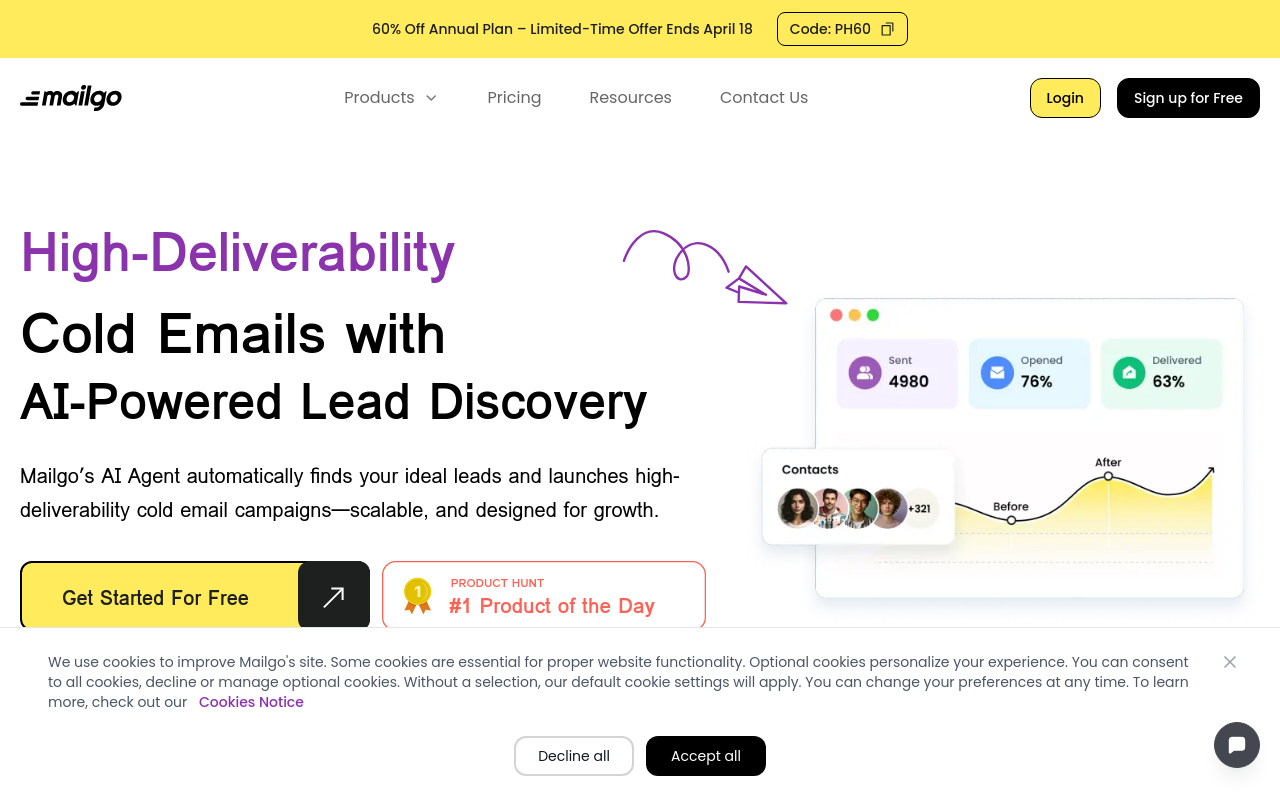
Mailgo: Revolutionizing Email Management
Overview
Mailgo is an innovative email management platform designed to simplify and streamline your email workflow. By providing a centralized hub for your emails, tasks, and team collaboration, Mailgo helps you stay organized, focused, and productive.
Key Features and Benefits
Unified Inbox
Access all your emails from a single, customizable inbox. Seamlessly integrate your work and personal accounts, and manage your emails with ease.
Task Management
Turn emails into actionable tasks and track their progress in real-time. Assign tasks to team members, set deadlines, and receive notifications for updates.
Team Collaboration
Work with your team in real-time, sharing emails, tasks, and files. Easily discuss and resolve issues, and maintain a transparent communication channel.
Customizable Labels and Filters
Create custom labels and filters to categorize and prioritize your emails. Stay on top of your inbox with customizable views and notifications.
Integrations and Add-ons
Integrate Mailgo with your favorite apps and tools, such as Google Drive, Trello, or Slack. Expand your workflow with add-ons for email tracking, scheduling, and more.
Security and Compliance
Rest assured with Mailgo
FAQ
Frequently asked questions
What is Mailgo?
Mailgo is a AI tool listed on aifly.tools that adds new capabilities to your AI coding agent. See the description and screenshots above for what it does.
How do I install Mailgo?
Click the Visit button below to open the official website and sign up there.
Is Mailgo free?
Yes — Mailgo is free to install. Some skills may still need an API key for the underlying service they call.
How do I update Mailgo?
Open the official website with the Visit button below and check for the latest version there.