nocal for Google Calendar
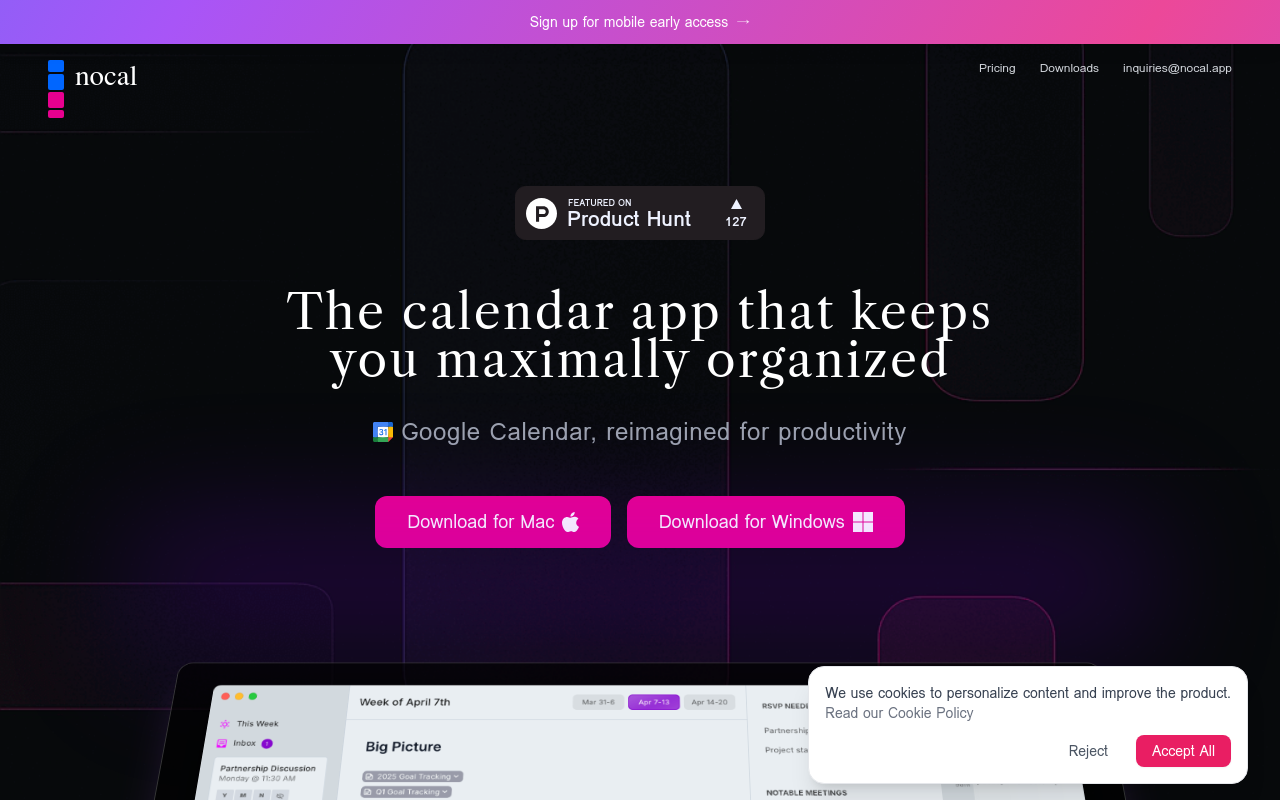
Simplify your Google Calendar experience with nocal, a productivity tool that helps you focus on what matters by eliminating distractions and minimizing context switching.
nocal for Google Calendar
=====================
Introduction
nocal is a game-changing productivity tool designed for Google Calendar users. It helps you stay focused and efficient by minimizing context switching and eliminating distractions. With nocal, you can finally take control of your busy schedule and achieve more in less time.
Key Features
Advanced Snoozing
Snooze your notifications with precision, choosing from 15-minute increments or a custom time that suits you best. No more constant interruptions or missed deadlines.
Smart Reminders
nocal's AI-powered reminders ensure you're prepared for every meeting and event. Receive relevant information, such as attendees, locations, and agendas, at the right time.
Customizable Notifications
Tailor your notification experience to your needs. Choose which events to receive notifications for, and set custom notification times to ensure you're always prepared.
Intuitive Interface
nocal's sleek and user-friendly interface makes it easy to navigate and manage your Google Calendar events. No more cluttered calendars or overwhelming notifications.
FAQ
Frequently asked questions
What is nocal for Google Calendar?
nocal for Google Calendar is a AI tool listed on aifly.tools that adds new capabilities to your AI coding agent. See the description and screenshots above for what it does.
How do I install nocal for Google Calendar?
Click the Visit button below to open the official website and sign up there.
Is nocal for Google Calendar free?
Yes — nocal for Google Calendar is free to install. Some skills may still need an API key for the underlying service they call.
How do I update nocal for Google Calendar?
Open the official website with the Visit button below and check for the latest version there.