NoteUX Chrome Extension
NoteUX Chrome Extension is a revolutionary note-taking tool that helps you stay organized and focused while browsing the web. With its advanced features and seamless integration with Chrome, it enables you to quickly capture and organize web content, annotate web pages, and even create customized notes.
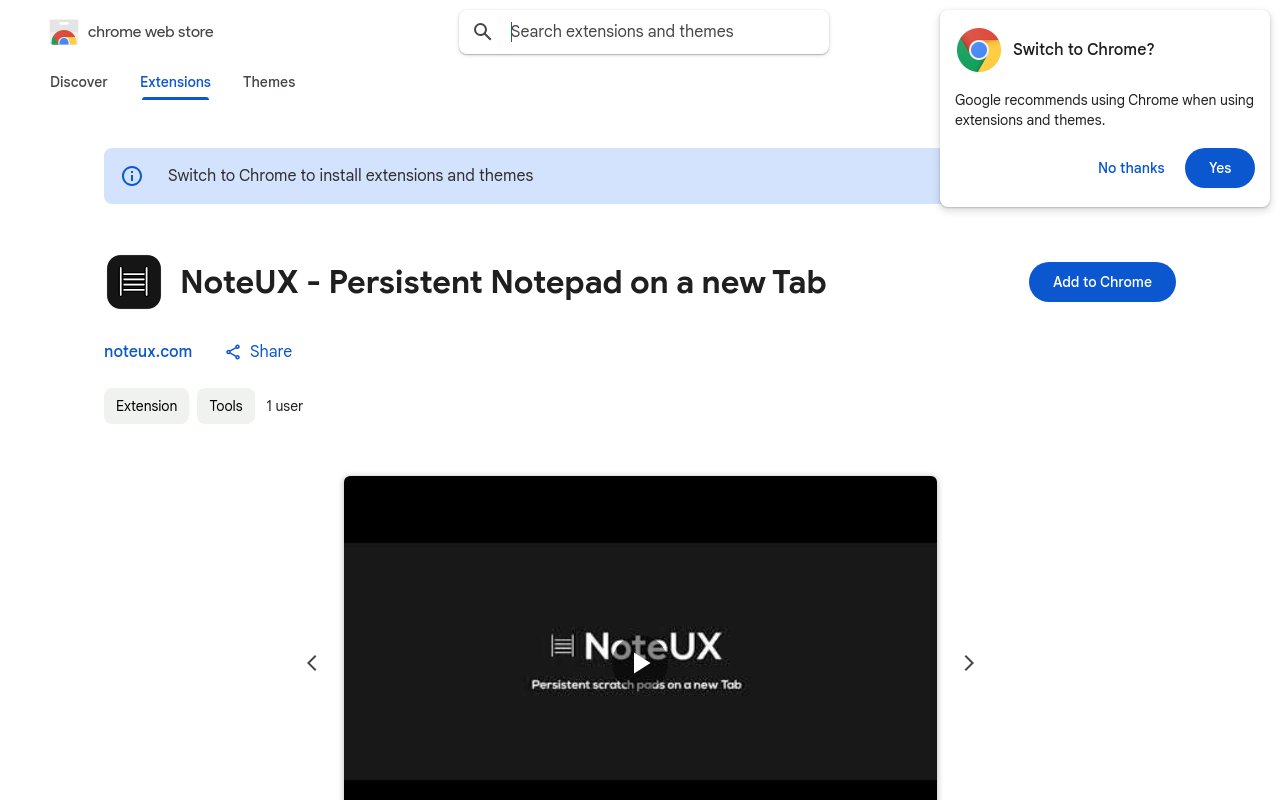
NoteUX Chrome Extension
Overview
NoteUX is a revolutionary Chrome extension that helps you take control of your notes and research workflow. With NoteUX, you can easily organize, tag, and search your notes across multiple platforms, making it the perfect tool for researchers, students, and professionals alike.
Key Features and Benefits
Easy Note Organization
- Organize your notes in a hierarchical structure, making it easy to find and access specific notes.
- Tag your notes with relevant keywords to make them easily searchable.
Seamless Research Integration
- Automatically highlight and extract relevant information from web pages, articles, and research papers.
- Export highlighted text to your notes or favorite note-taking app.
Advanced Search and Filtering
- Search your notes by keyword, tag, or date.
- Filter your notes by category, tag, or date to quickly find specific information.
Cross-Platform Compatibility
- Access your notes from anywhere, on any device, with our cloud-based storage.
- Sync your notes across multiple platforms, including Google Drive, Evernote, and OneNote.
Unique Selling Points
AI-Powered Note Insights
- Get insights into your note-taking habits and identify areas for improvement.
- Discover new connections
FAQ
Frequently asked questions
What is NoteUX Chrome Extension?
NoteUX Chrome Extension is a AI tool listed on aifly.tools that adds new capabilities to your AI coding agent. See the description and screenshots above for what it does.
How do I install NoteUX Chrome Extension?
Click the Visit button below to open the official website and sign up there.
Is NoteUX Chrome Extension free?
Yes — NoteUX Chrome Extension is free to install. Some skills may still need an API key for the underlying service they call.
How do I update NoteUX Chrome Extension?
Open the official website with the Visit button below and check for the latest version there.