
Notion AI
Access the limitless power of AI, right inside Notion. Work faster. Write better. Think bigger.
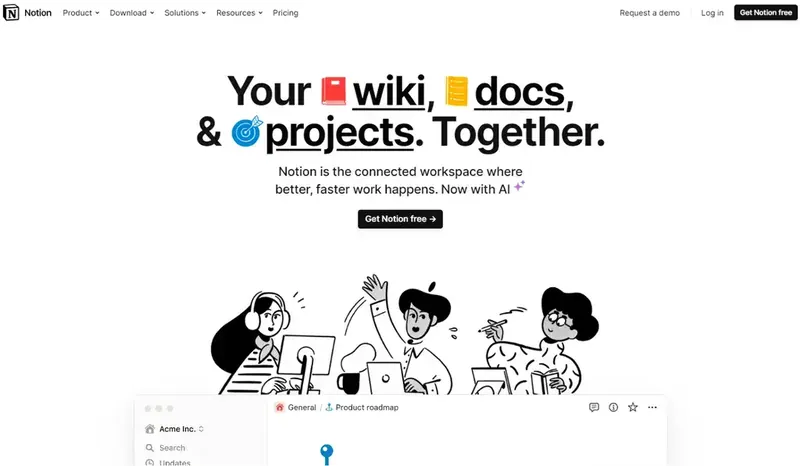
About Notion AI
Notion AI is the AI layer built into Notion, the all-in-one workspace for notes, docs, wikis, projects, and databases. You ask questions and generate text inside the pages where your work already lives. It writes, summarizes, translates, brainstorms, and answers questions from your workspace content, which suits teams who keep knowledge in Notion. Beyond writing, the Notion Agent works across pages and databases, Meeting Notes transcribe meetings, Enterprise Search covers connected apps, and Research mode writes longer reports.
Key features
- Writing assistance: draft, rewrite, shorten, expand, fix grammar, and translate text.
- Notion Agent: a chat assistant that searches your workspace, drafts documents, and updates pages and databases.
- Q and A over your workspace: ask in plain language and get an answer grounded in your own pages, with links to the source.
- Enterprise Search: search Notion and connected apps such as Slack, Google Drive, GitHub, and Jira from one query.
- AI Meeting Notes: record a meeting, get a transcript and summary, and extract action items with owners and deadlines.
- AI Autofill: define a database property such as a category or summary, and have it filled in automatically for every row.
- Research mode: produce detailed reports from internal knowledge and the web.
How to use it
- Open any Notion page and press the space bar or the AI button for help with that page.
- For questions, open the Notion Agent and ask in plain language, for example about a decision in last month's meeting notes.
- Set up AI Autofill by adding an Autofill property and describing what it should extract for each row.
- Turn on AI Meeting Notes before a call so the meeting is transcribed and summarized, then review the action items.
Pricing
Notion AI is no longer sold as a separate add-on. The standalone 10 dollar add-on was retired in 2025; full AI is now bundled into the Business plan at 20 dollars per user per month billed annually, or 24 dollars monthly. Free and Plus include only a limited trial, capped at 20 AI responses per account. Custom Agents are metered separately at 10 dollars per 1,000 Notion credits. Prices change, so confirm current terms on Notion's pricing page.
Strengths
- It works where your notes are, so answers are grounded in your real documents, not generic knowledge.
- Enterprise Search saves hunting through Slack, Drive, and Notion separately.
- Meeting notes and action items remove a chore from every call.
Limitations
- Full AI requires the Business plan at 20 dollars per user per month, a real jump for a small team on the free plan.
- Answers are only as good as the workspace: messy, outdated, or missing notes lead to weak or misleading answers.
- Like any AI, it can hallucinate or misread a document, so answers should be checked against the source.
- It is tied to Notion: if your knowledge lives in other tools, the value drops sharply unless those apps are connected.
FAQ
Frequently asked questions
What is Notion AI?
Notion AI is a AI tool listed on aifly.tools that adds new capabilities to your AI coding agent. See the description and screenshots above for what it does.
How do I install Notion AI?
Click the Visit button below to open the official website and sign up there.
Is Notion AI free?
Yes — Notion AI is free to install. Some skills may still need an API key for the underlying service they call.
How do I update Notion AI?
Open the official website with the Visit button below and check for the latest version there.


