
Online NotesPad
Online NotesPad is a cloud-based note-taking app that allows users to take notes, organize tasks, and collaborate with others in real-time. With its user-friendly interface and robust features, Online NotesPad is the perfect tool for individuals and teams looking to streamline their productivity and creativity.
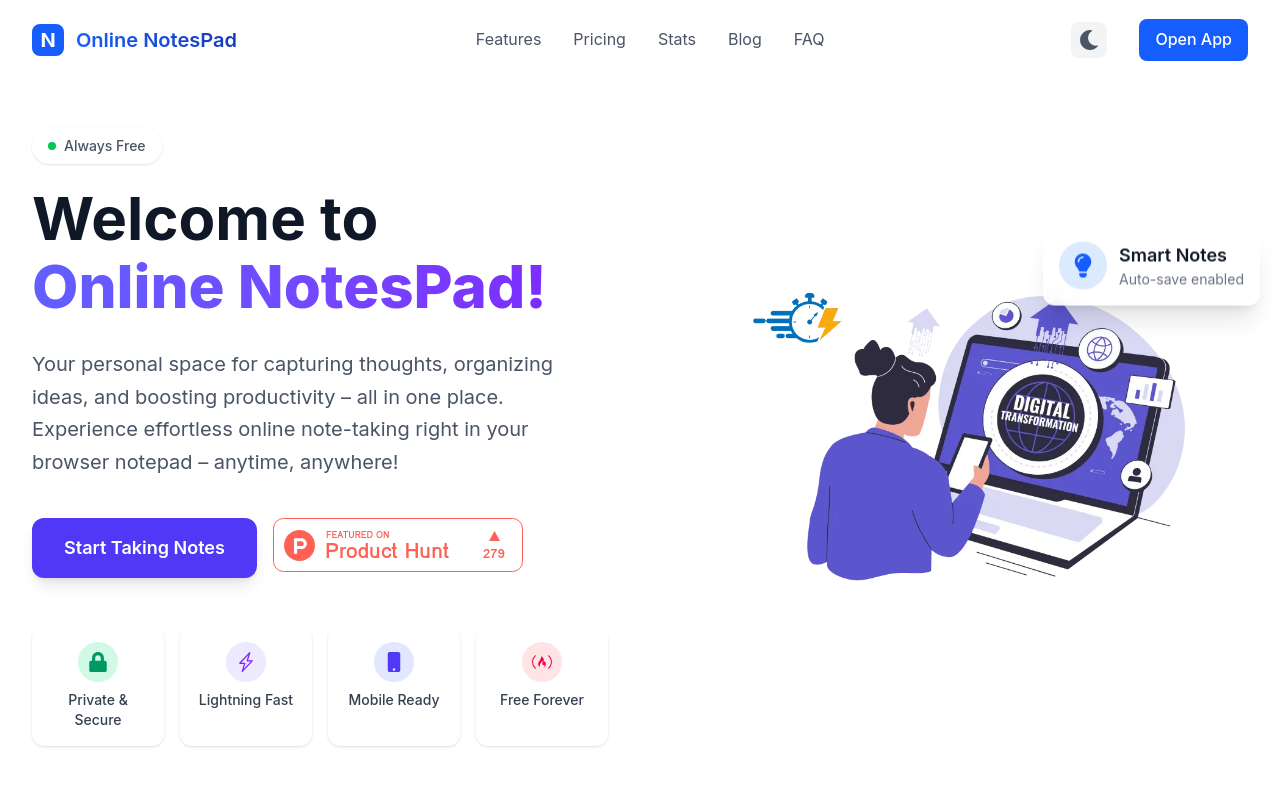
Online NotesPad
Product Overview
Online NotesPad is a revolutionary digital note-taking platform designed to help individuals and teams streamline their note-taking process, boost productivity, and collaborate more effectively. With a user-friendly interface and a wide range of features, Online NotesPad is the perfect tool for anyone looking to take their note-taking to the next level.
Key Features and Benefits
Note-Taking Made Easy
- Simple and Intuitive Interface: Online NotesPad features a clean and minimalistic design, making it easy to navigate and use.
- Real-Time Synchronization: All notes are synced across all devices, ensuring that you always have access to your notes, no matter where you are.
- Offline Access: Continue taking notes even when you're offline, and they'll automatically sync once you're back online.
Collaboration Made Easy
- Real-Time Collaboration: Invite team members or friends to collaborate on notes, and see each other's changes in real-time.
- Commenting and @Mentioning: Add comments and @mention team members to keep everyone on the same page.
- File Sharing: Share files and documents directly from the app, making it easy to collaborate on projects.
FAQ
Frequently asked questions
What is Online NotesPad?
Online NotesPad is a AI tool listed on aifly.tools that adds new capabilities to your AI coding agent. See the description and screenshots above for what it does.
How do I install Online NotesPad?
Click the Visit button below to open the official website and sign up there.
Is Online NotesPad free?
Yes — Online NotesPad is free to install. Some skills may still need an API key for the underlying service they call.
How do I update Online NotesPad?
Open the official website with the Visit button below and check for the latest version there.
.png)




