OpenAI Codex CLI
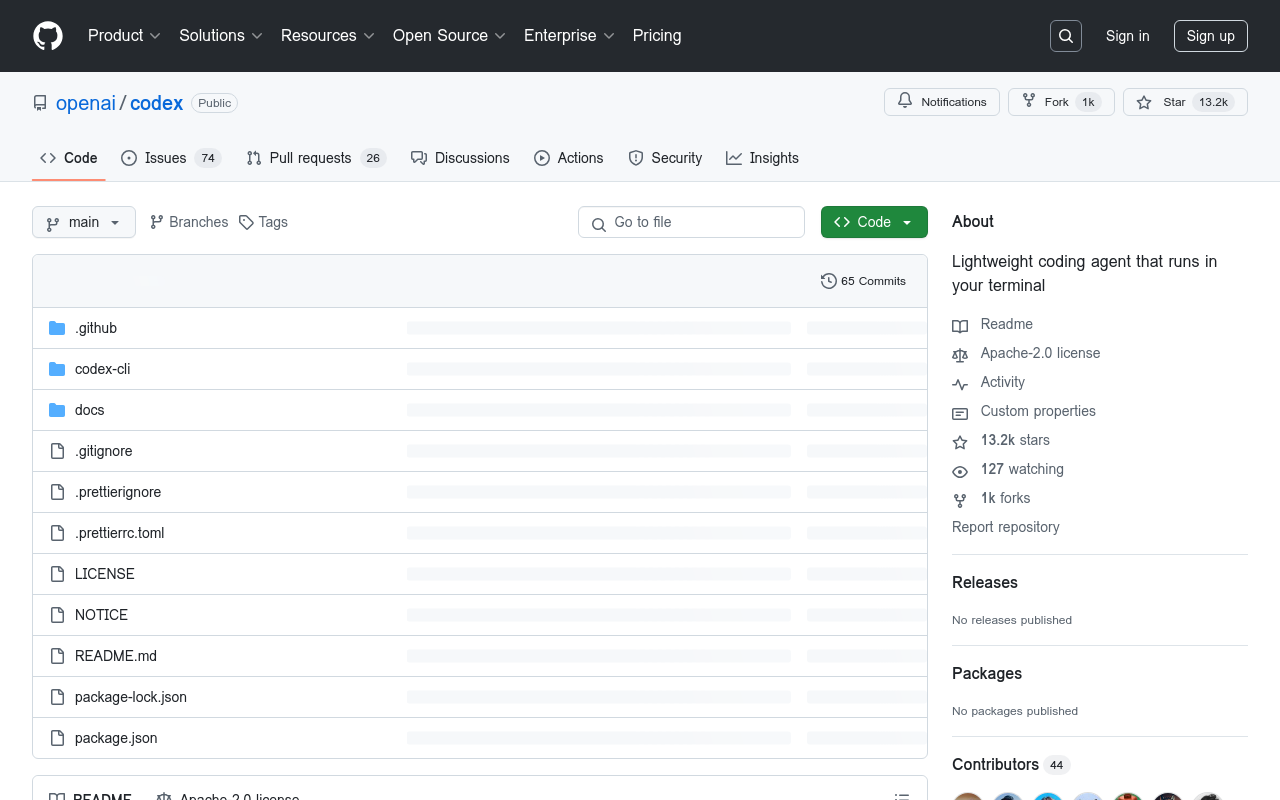
Transform your coding experience with OpenAI Codex CLI, a powerful command-line interface that enables you to generate code snippets and complete code tasks with unparalleled accuracy and speed.
OpenAI Codex CLI
Overview
OpenAI Codex CLI is a powerful tool that enables developers to harness the capabilities of OpenAI's Codex model, a cutting-edge AI-powered coding assistant, directly from their command line. With this CLI, developers can leverage the model's ability to generate high-quality code, automate repetitive tasks, and accelerate their development workflow.
Key Features and Benefits
Code Generation
- Generate high-quality code in various programming languages, including Python, Java, JavaScript, and C++
- Supports a wide range of programming paradigms, including object-oriented, functional, and imperative programming
- Can generate code for specific tasks, such as data processing, machine learning, or web development
Automation
- Automate repetitive coding tasks, such as data cleaning, formatting, and refactoring
- Simplify complex tasks, such as data analysis, visualization, and reporting
- Save time and effort by automating routine coding tasks
Integration
- Seamlessly integrates with popular development tools and frameworks, including GitHub, GitLab, and Visual Studio Code
- Supports a wide range of programming languages and frameworks, including Python, Java, JavaScript, and C++
- Can be easily integrated with existing development
FAQ
Frequently asked questions
What is OpenAI Codex CLI?
OpenAI Codex CLI is a AI tool listed on aifly.tools that adds new capabilities to your AI coding agent. See the description and screenshots above for what it does.
How do I install OpenAI Codex CLI?
Click the Visit button below to open the official website and sign up there.
Is OpenAI Codex CLI free?
Yes — OpenAI Codex CLI is free to install. Some skills may still need an API key for the underlying service they call.
How do I update OpenAI Codex CLI?
Open the official website with the Visit button below and check for the latest version there.