
remove.bg
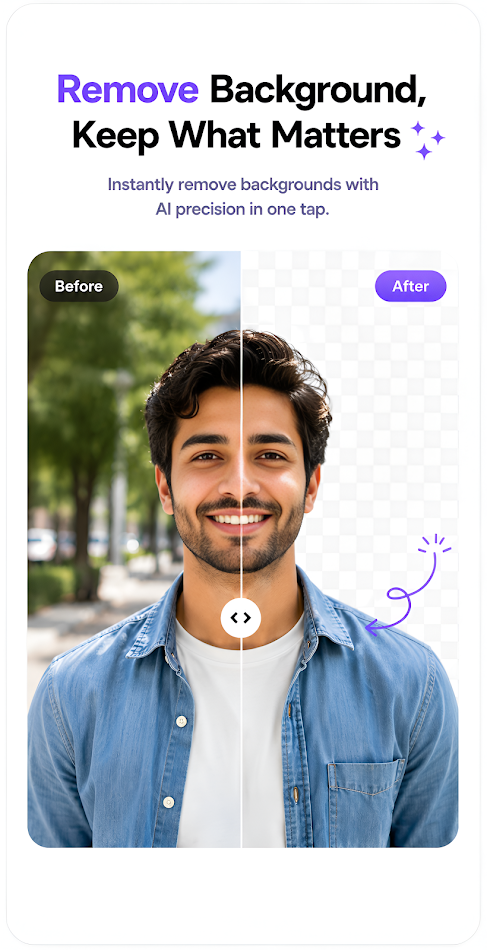
A free tool - remove.bg - can automatically remove image backgrounds with one click.
About remove.bg
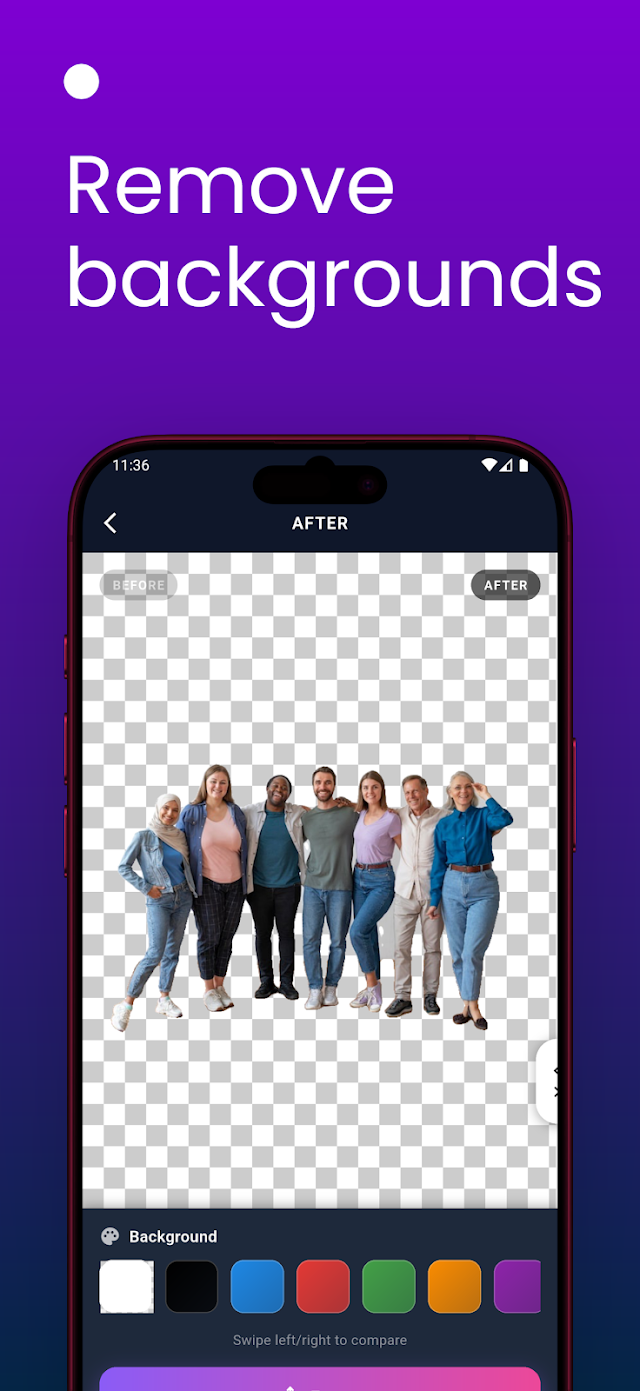
remove.bg is a one-click background removal tool: upload a photo and its AI removes the background in about five seconds, leaving a clean cutout to download as a transparent PNG or place on a new background. Owned by Canva since 2021, it is popular with e-commerce sellers, photographers, and marketers making product shots, headshots, and graphics. It also works as an API, a Photoshop plugin, and desktop and mobile apps.
Important: the standalone service is closing
The standalone remove.bg website and self-service API stop on December 1, 2026, at 9:00 a.m. CET. Background removal moves into Canva, and API access moves to Leonardo.ai (also owned by Canva). Unused pay-as-you-go credits expire the same day, and annual subscribers receive a pro-rata refund. Existing enterprise API contracts are not affected and continue as normal. If you still use remove.bg, spend remaining credits before the cutoff and plan your move to Canva or Leonardo.ai.
Key features
- Automatic background removal: detects people, products, animals, and cars, including tricky edges like hair and fur.
- One-click results: no manual tracing or masking; the cutout is ready in seconds.
- Magic Brush: erase or restore parts of the cutout by hand when the automatic result needs fixing.
- New backgrounds: swap the removed background for a color, a blur, or your own image.
- Bulk processing: remove backgrounds from many images in one go.
- API and integrations: a simple API (first 50 calls a month free), plus a Photoshop plugin, desktop and Android apps, and automation tools such as Zapier and Make.
How to use it
- Open remove.bg before December 1, 2026, or Canva's background remover after that date.
- Upload an image, or paste an image URL.
- Wait a few seconds while the AI separates subject from background.
- Touch up edges with the Magic Brush if needed.
- Download the result as a transparent PNG, or pick a new background first.
Pricing
Standard use on the website is free; full-resolution downloads and heavier use need credits or a subscription. The API is pay-as-you-go: the first 50 calls a month are free, and each image up to 50 megapixels costs one credit. All unused pay-as-you-go credits expire on December 1, 2026. After the shutdown, background removal continues inside Canva, and API users move to Leonardo.ai, priced per image. Check the official pages for current prices.
Strengths
- Extremely fast and accurate for its core job — clean cutouts with almost no effort.
- No design skill needed, and no software to install for the web version.
- Handles the hard cases well, including hair, fur, and product edges.
- A simple API makes it easy to automate background removal.
Limitations
- The standalone website and self-service API end on December 1, 2026 — a service in transition, not a stable long-term tool.
- Very complex images may still need manual touch-ups.
- Full-resolution results and bulk processing require paid credits.
FAQ
Frequently asked questions
What is remove.bg?
remove.bg is a AI tool listed on aifly.tools that adds new capabilities to your AI coding agent. See the description and screenshots above for what it does.
How do I install remove.bg?
Click the Visit button below to open the official website and sign up there.
Is remove.bg free?
Yes — remove.bg is free to install. Some skills may still need an API key for the underlying service they call.
How do I update remove.bg?
Open the official website with the Visit button below and check for the latest version there.


