SidekickBar
SidekickBar is a customizable browser extension that helps you stay focused and organized by providing a simple and intuitive way to manage multiple tabs, reduce distractions, and boost productivity.
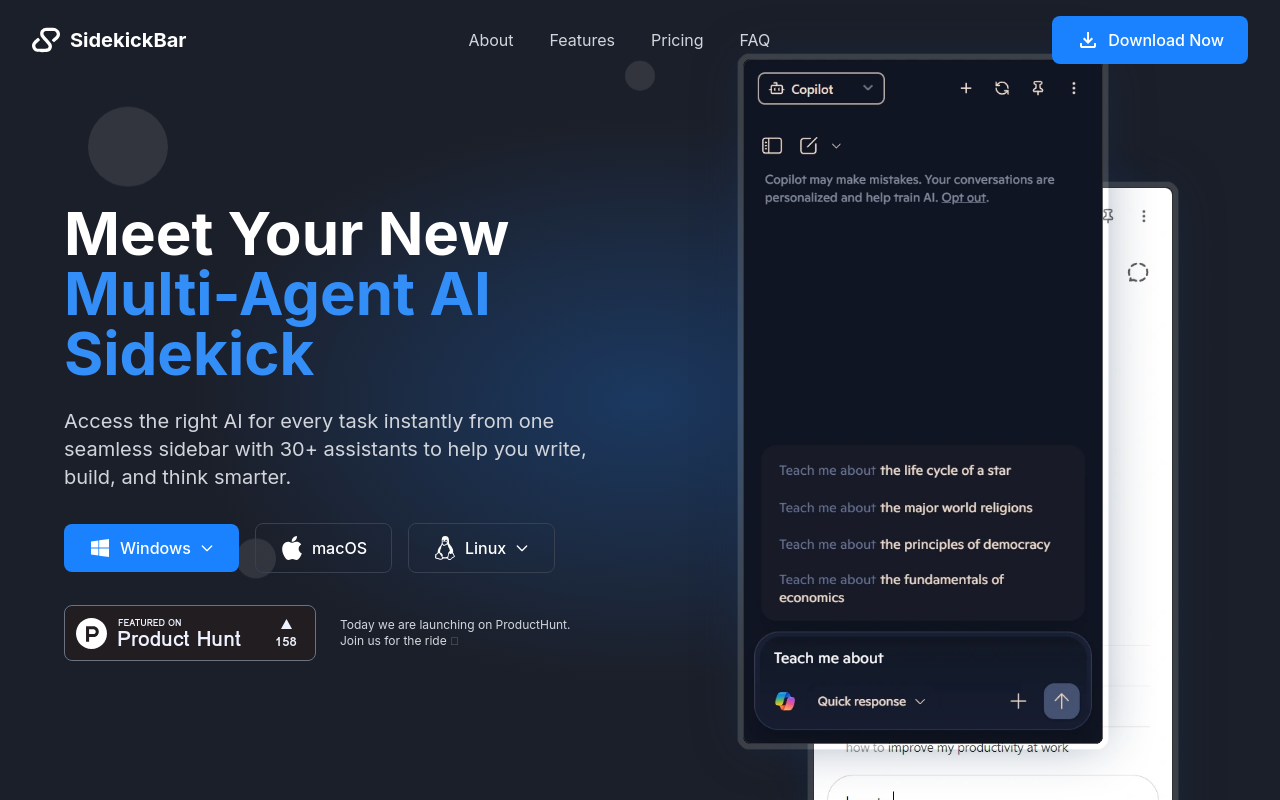
SidekickBar: A Game-Changer for Productivity
Are you tired of feeling overwhelmed by the sheer number of tabs you have open? Do you struggle to keep track of your work, emails, and social media notifications? Look no further than SidekickBar, the revolutionary new browser extension designed to help you stay focused and organized.
Key Features:
- Customizable Tab Management: With SidekickBar, you can easily organize your tabs into categories, prioritize tasks, and hide distracting tabs from view.
- Notification Manager: Stay on top of your notifications without getting sidetracked. SidekickBar allows you to manage your notifications from one convenient location.
- Focus Mode: Eliminate distractions and stay focused on your work with SidekickBar's focus mode, which hides all non-essential tabs and notifications.
Benefits:
- Increased Productivity: By keeping your tabs organized and distractions at bay, SidekickBar helps you stay focused and get more done in less time.
- Reduced Stress: No more feeling overwhelmed by the
FAQ
Frequently asked questions
What is SidekickBar?
SidekickBar is a AI tool listed on aifly.tools that adds new capabilities to your AI coding agent. See the description and screenshots above for what it does.
How do I install SidekickBar?
Click the Visit button below to open the official website and sign up there.
Is SidekickBar free?
Yes — SidekickBar is free to install. Some skills may still need an API key for the underlying service they call.
How do I update SidekickBar?
Open the official website with the Visit button below and check for the latest version there.