SnapDraw
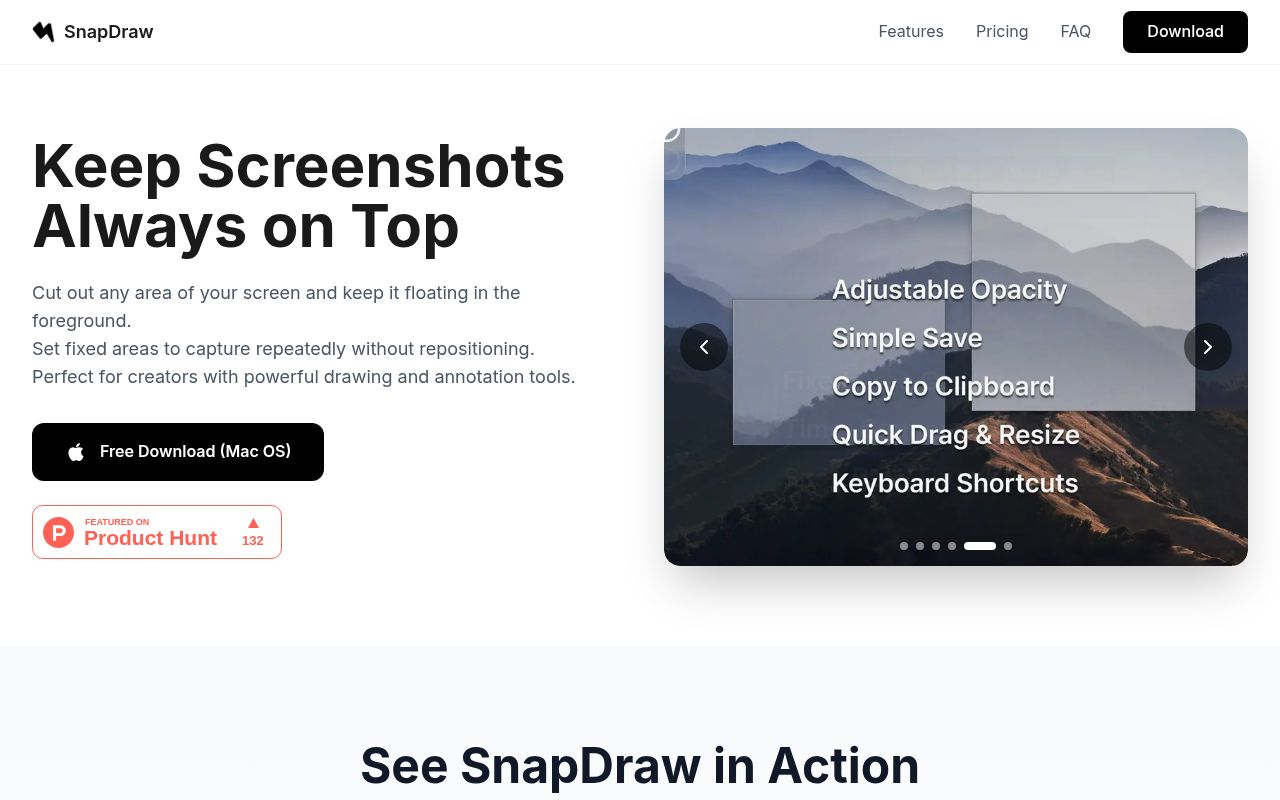
SnapDraw is a powerful digital drawing tool that allows users to create stunning visuals and animations with ease. With its intuitive interface and robust feature set, SnapDraw is perfect for designers, artists, and anyone looking to bring their creative ideas to life.
SnapDraw
Product Overview
SnapDraw is a revolutionary digital drawing tool that allows users to create stunning, high-quality artwork with ease. With its unique interface and intuitive design, SnapDraw makes it possible for anyone to become a digital artist, regardless of their skill level or experience.
Key Features and Benefits
Customizable Brushes
- 100+ unique brushes, each with its own unique characteristics and effects
- Create and save your own custom brushes for ultimate creativity
Powerful Editing Tools
- Advanced layering system for complex compositions
- Precise selection tools for detailed work
- Advanced color management for accurate color reproduction
Collaboration Made Easy
- Real-time collaboration features for seamless co-creation
- Version control and commenting system for easy feedback and revisions
Seamless Integration
- Native support for popular file formats (PSD, SVG, PNG, etc.)
- Export options for web, print, and social media
Use Cases and Applications
Professional Artists
- Create stunning artwork for clients and projects
- Experiment with new styles and techniques
- Collaborate with other artists and designers
Designers and Illustrators
- Develop concept art
FAQ
Frequently asked questions
What is SnapDraw?
SnapDraw is a AI tool listed on aifly.tools that adds new capabilities to your AI coding agent. See the description and screenshots above for what it does.
How do I install SnapDraw?
Click the Visit button below to open the official website and sign up there.
Is SnapDraw free?
Yes — SnapDraw is free to install. Some skills may still need an API key for the underlying service they call.
How do I update SnapDraw?
Open the official website with the Visit button below and check for the latest version there.