Tab Reminder
Stay on top of your tasks and reminders with Tab Reminder, a browser extension that lets you quickly save and access notes and reminders across all your tabs. With Tab Reminder, you can easily keep track of your tasks, deadlines, and important notes, all without leaving your browser. Say goodbye to lost tabs and forgotten reminders!
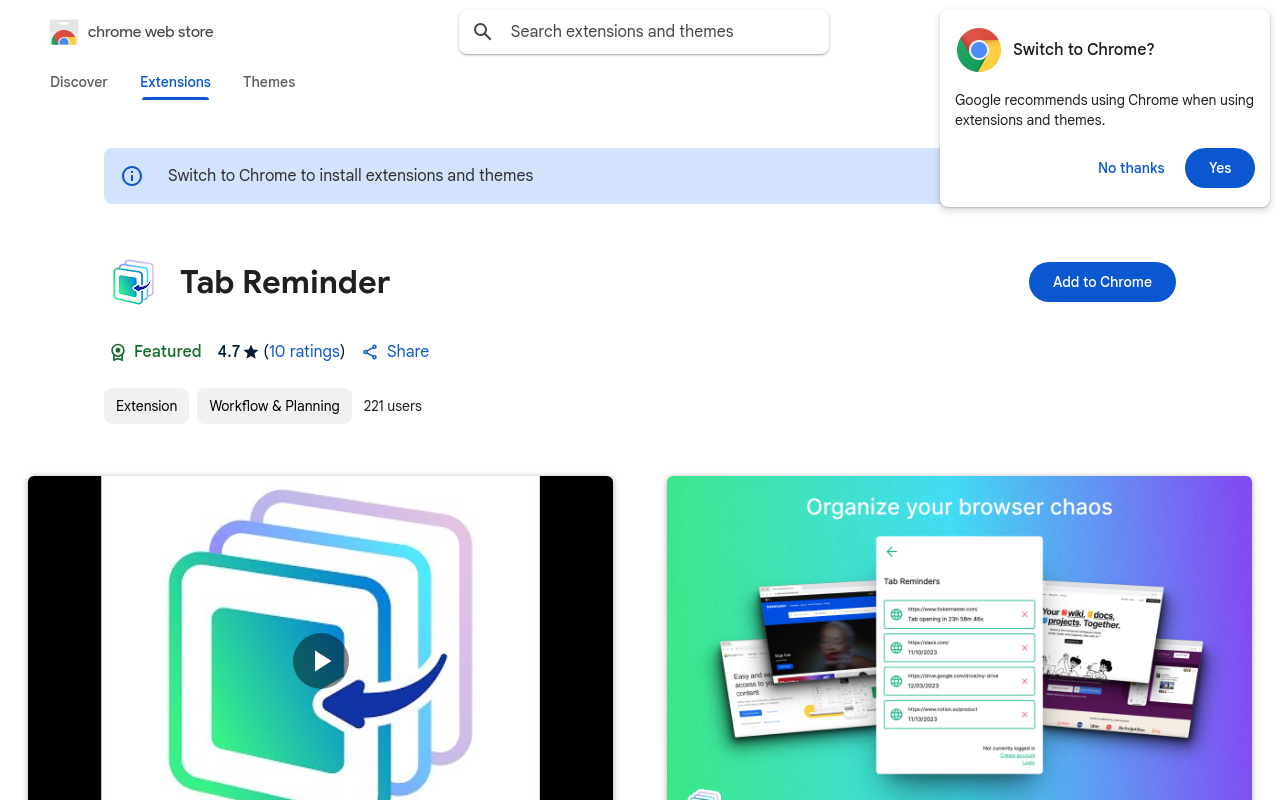
Tab Reminder
Overview
Tab Reminder is a revolutionary browser extension that helps you stay on top of your tasks and reminders by displaying them directly on your browser tabs. With Tab Reminder, you'll never miss a deadline or forget an important appointment again.
Key Features and Benefits
Easy to Use
- Simple and intuitive interface that integrates seamlessly with your browser
- Easily add, edit, and manage your reminders from the extension's popup
Customizable
- Personalize your reminders with custom colors, icons, and notifications
- Set reminders for specific tabs, windows, or entire sessions
Timely Notifications
- Receive timely notifications for your reminders, ensuring you never miss a deadline
- Customize notification settings to fit your workflow and preferences
Tab Organization
- Organize your tabs by priority, category, or due date to stay focused and productive
- Quickly identify and prioritize tasks with our color-coded system
Use Cases and Applications
Task Management
- Manage tasks and projects across multiple browsers and devices
- Stay organized and focused with our customizable tab organization system
Meeting and Appointment Reminders
- Never miss a meeting or appointment again with our timely notifications
- Set reminders for specific dates, times
FAQ
Frequently asked questions
What is Tab Reminder?
Tab Reminder is a AI tool listed on aifly.tools that adds new capabilities to your AI coding agent. See the description and screenshots above for what it does.
How do I install Tab Reminder?
Click the Visit button below to open the official website and sign up there.
Is Tab Reminder free?
Yes — Tab Reminder is free to install. Some skills may still need an API key for the underlying service they call.
How do I update Tab Reminder?
Open the official website with the Visit button below and check for the latest version there.