
Tab With a View 2.0
Tab With a View 2.0 is a browser extension that allows users to view and manage their tabs more efficiently, with features like tab grouping, customizable tab colors, and a distraction-free viewing experience.
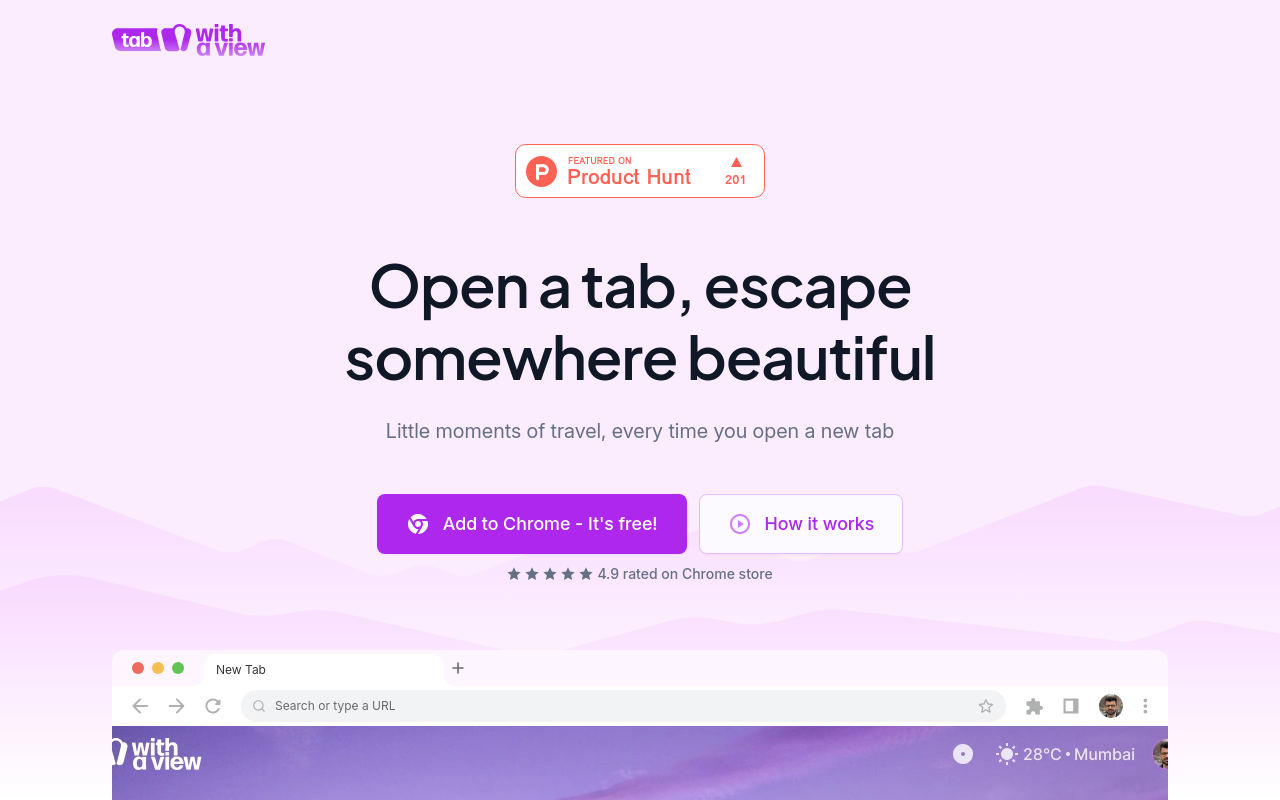
Tab With a View 2.0
Overview
Tab With a View 2.0 is a revolutionary browser extension that transforms your browsing experience by providing an unparalleled level of control and customization. This innovative tool allows you to tailor your browser tabs to suit your needs, improving productivity, organization, and overall user experience.
Key Features and Benefits
Customizable Tab Layout
- Create a personalized tab layout by rearranging and resizing tabs to your liking
- Pin frequently used tabs for easy access
- Hide or show tabs to declutter your browsing experience
Advanced Tab Management
- Quickly switch between tabs using keyboard shortcuts
- Use the "Tab Manager" feature to organize and group related tabs
- Close multiple tabs at once with a single click
Enhanced Tab Visualization
- View tab titles, URLs, and icons in a single glance
- Use the "Tab Thumbnail" feature to preview webpage content
- Customize the tab color scheme to suit your preferences
Unique Selling Points
Focus Mode
- Temporarily remove distracting tabs and minimize clutter
- Stay focused on a single task or project
- Easily toggle Focus Mode on and off
Tab History and Recovery
- Automatically save and recover
FAQ
Frequently asked questions
What is Tab With a View 2.0?
Tab With a View 2.0 is a AI tool listed on aifly.tools that adds new capabilities to your AI coding agent. See the description and screenshots above for what it does.
How do I install Tab With a View 2.0?
Click the Visit button below to open the official website and sign up there.
Is Tab With a View 2.0 free?
Yes — Tab With a View 2.0 is free to install. Some skills may still need an API key for the underlying service they call.
How do I update Tab With a View 2.0?
Open the official website with the Visit button below and check for the latest version there.
.png)




