Toolbar
Enhance your workflow with Toolbar, a powerful browser extension that streamlines your tasks, boosts productivity, and saves time.
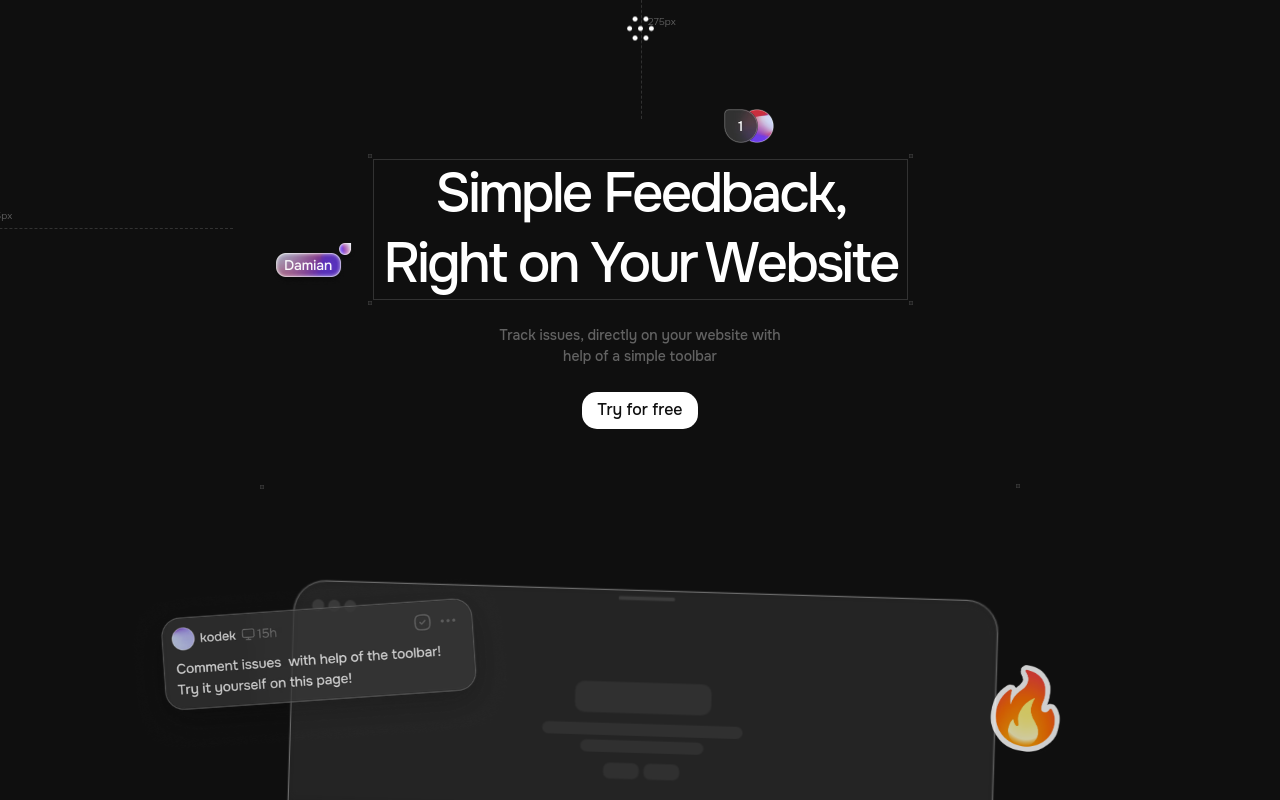
Toolbar
Product Overview
Toolbar is a revolutionary new way to boost your productivity and streamline your workflow. This innovative tool allows you to access all your favorite apps, tools, and resources in one place, making it easier than ever to stay focused and get the job done.
Key Features and Benefits
Customizable Dashboard
- Create a personalized dashboard with the tools and apps you use most
- Easily add or remove widgets to tailor your experience to your needs
- Keep your most important tools front and center, reducing clutter and distractions
Single Sign-On
- Access all your apps and tools with a single login
- No more juggling multiple passwords or login credentials
- Enjoy seamless integration and reduced friction
Task Management
- Manage your tasks and projects in one place
- Set reminders, deadlines, and notifications to stay on track
- Collaborate with team members and assign tasks with ease
Integrations
- Connect with your favorite apps and services, including Google Drive, Trello, Slack, and more
- Automate workflows and streamline your workflow
- Enjoy seamless integration with your existing tools and services
Use Cases and Applications
**Freelancers and Entre
FAQ
Frequently asked questions
What is Toolbar?
Toolbar is a AI tool listed on aifly.tools that adds new capabilities to your AI coding agent. See the description and screenshots above for what it does.
How do I install Toolbar?
Click the Visit button below to open the official website and sign up there.
Is Toolbar free?
Yes — Toolbar is free to install. Some skills may still need an API key for the underlying service they call.
How do I update Toolbar?
Open the official website with the Visit button below and check for the latest version there.