
YoinkUI
YoinkUI is a revolutionary user interface design tool that helps developers create stunning, user-friendly interfaces with ease. With its intuitive drag-and-drop functionality and vast library of customizable components, YoinkUI streamlines the design process, saving time and increasing productivity. Whether you're a seasoned pro or just starting out, YoinkUI empowers you to build high-quality interfaces that wow.
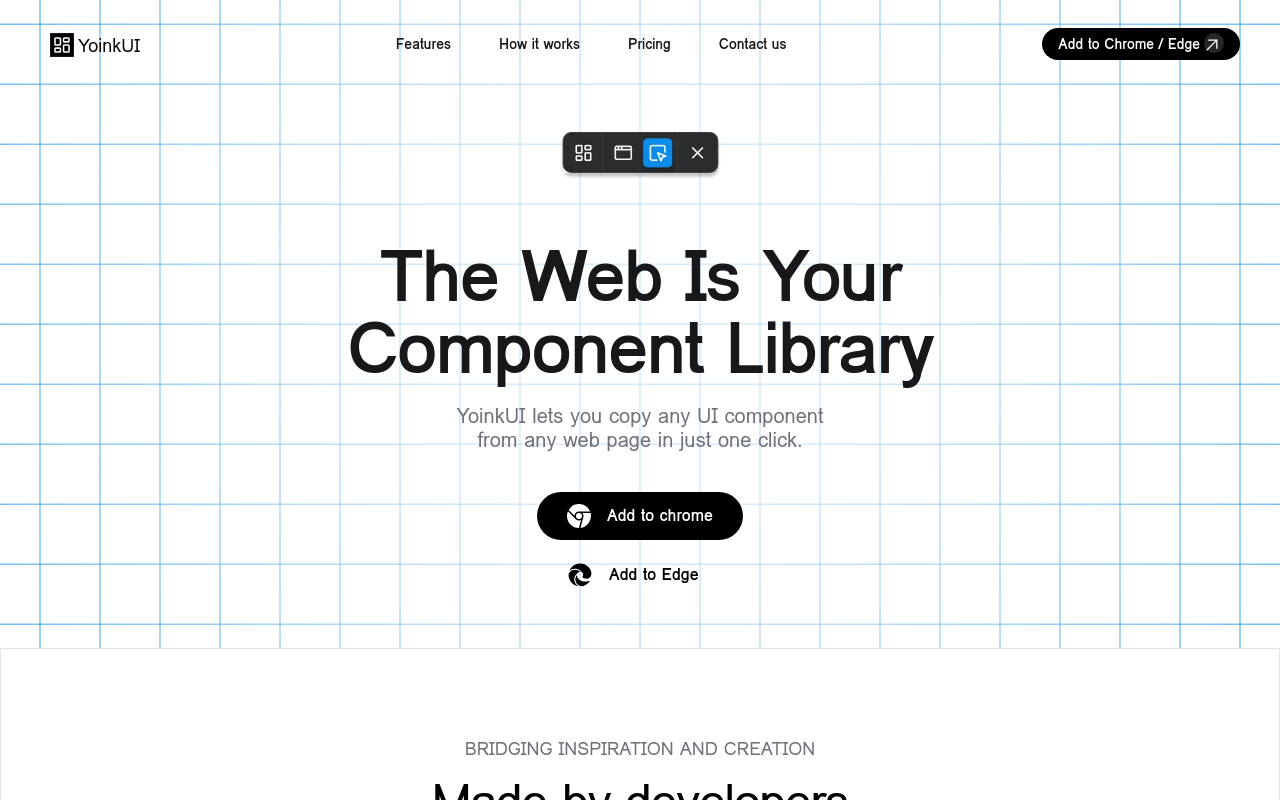
YoinkUI: Revolutionizing Your Workflow with Intuitive UI Design
Overview
YoinkUI is a cutting-edge UI design tool that empowers developers, designers, and teams to create seamless, user-friendly interfaces. By streamlining the design process, YoinkUI helps you focus on what matters most – building exceptional user experiences.
Key Features and Benefits
Design Flexibility
- Create custom UI components with ease using a robust library of templates and assets
- Customize colors, typography, and spacing to match your brand's unique identity
- Quick-editing options for rapid prototyping and iteration
Collaboration Made Easy
- Real-time co-editing and commenting for seamless team collaboration
- Version control and history for easy tracking and reverting changes
- Assign tasks and track progress with our intuitive task management system
Automation and Efficiency
- Automated design suggestions based on your design preferences
- Batch-processing for rapid creation and deployment of design assets
- Integration with popular development tools for streamlined workflows
Accessibility and Usability
- Compliance with web accessibility standards (WCAG 2.1, Section 508)
- Customizable keyboard shortcuts for increased productivity
- High-contrast mode and
FAQ
Frequently asked questions
What is YoinkUI?
YoinkUI is a AI tool listed on aifly.tools that adds new capabilities to your AI coding agent. See the description and screenshots above for what it does.
How do I install YoinkUI?
Click the Visit button below to open the official website and sign up there.
Is YoinkUI free?
Yes — YoinkUI is free to install. Some skills may still need an API key for the underlying service they call.
How do I update YoinkUI?
Open the official website with the Visit button below and check for the latest version there.
.png)




