ZenAdmin
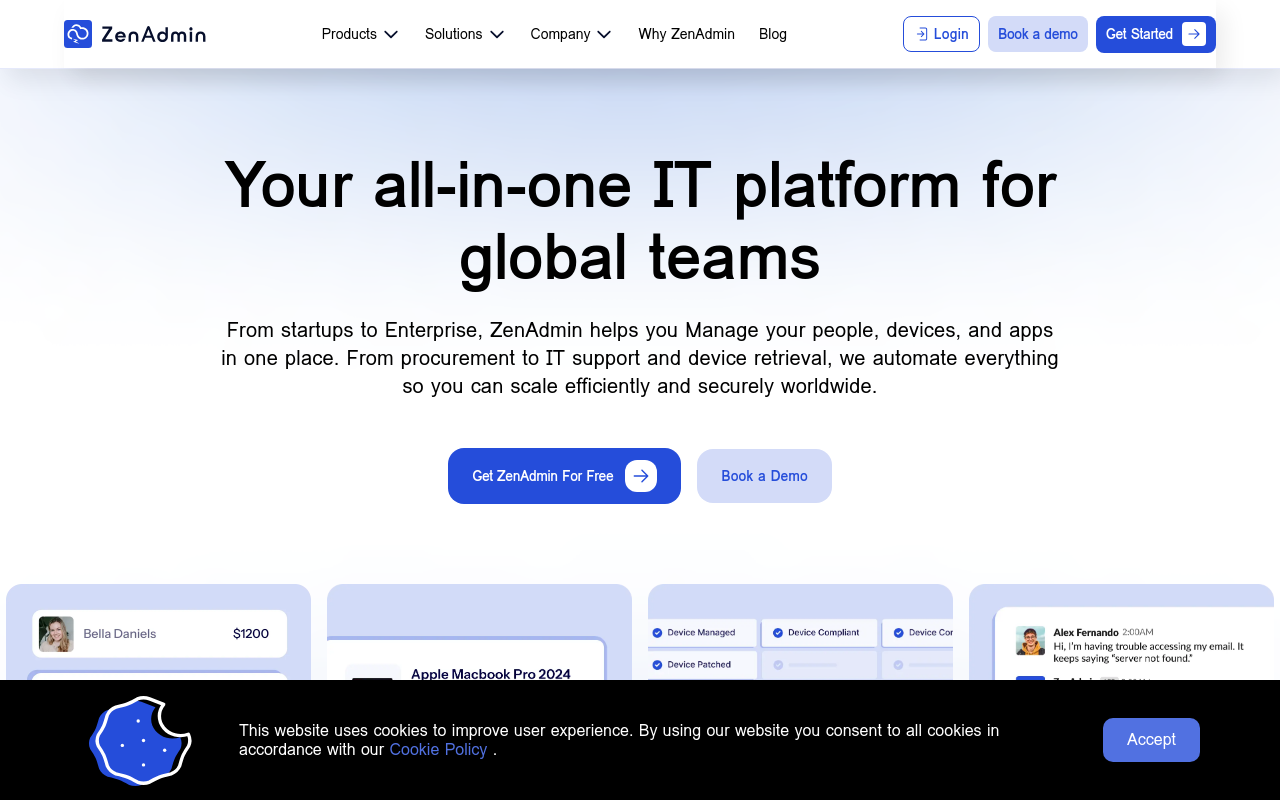
ZenAdmin is a no-code automation platform for streamlining campaign tracking, deployment, sales pipelines, and team collaboration, with integrations and APIs.
Miscellaneous AI ToolsSaaSArtificial IntelligenceBusinessFree
ommenting.
Integration APIs: Seamlessly integrate with your existing tools and workflows, ensuring seamless data exchange and minimizing manual data entry.
Security and Compliance: Rest assured, knowing your data is secure with industry-leading encryption and compliance with major regulatory standards.
Use Cases or Applications
Marketing and PR: Streamline campaign tracking, automate social media scheduling, and enhance collaboration between teams.
Development and IT: Automate deployment, testing, and troubleshooting, while keeping track of project progress in real-time.
Sales and Customer Support: Simplify sales pipeline management, automate customer follow-ups, and enhance customer service with personalized experiences.
Unique Selling Points
No-code Automation: ZenAdmin's automation builder requires no coding expertise, making it accessible to everyone in your team.
Scalability: Seamlessly adapt to your growing team's needs without sacrificing performance or functionality.
Customer Support: Our dedicated support team is always available to help you overcome any obstacle and ensure a smooth experience.
Community-driven: Stay up-to-date with the latest product updates, share your experiences with the community, and contribute to new feature development.
Try ZenAdmin today and discover a more efficient, streamlined approach to team collaboration!
FAQ
Frequently asked questions
What is ZenAdmin?
ZenAdmin is a AI tool listed on aifly.tools that adds new capabilities to your AI coding agent. See the description and screenshots above for what it does.
How do I install ZenAdmin?
Click the Visit button below to open the official website and sign up there.
Is ZenAdmin free?
Yes — ZenAdmin is free to install. Some skills may still need an API key for the underlying service they call.
How do I update ZenAdmin?
Open the official website with the Visit button below and check for the latest version there.